Standby - Select standby to switch off the heating element. Heat will not be provided.
To activate standby:
• Press Menu button
• Press Up to highlight the Hand icon
• Press Up until Off is highlighted
• Toggle to Off
• Press Enter to confi rm
The screen will appear blank
Sometimes you may be at home when you had not planned to be or need to leave when you
had planned to have heating on. You can change the way you use your heating temporarily;
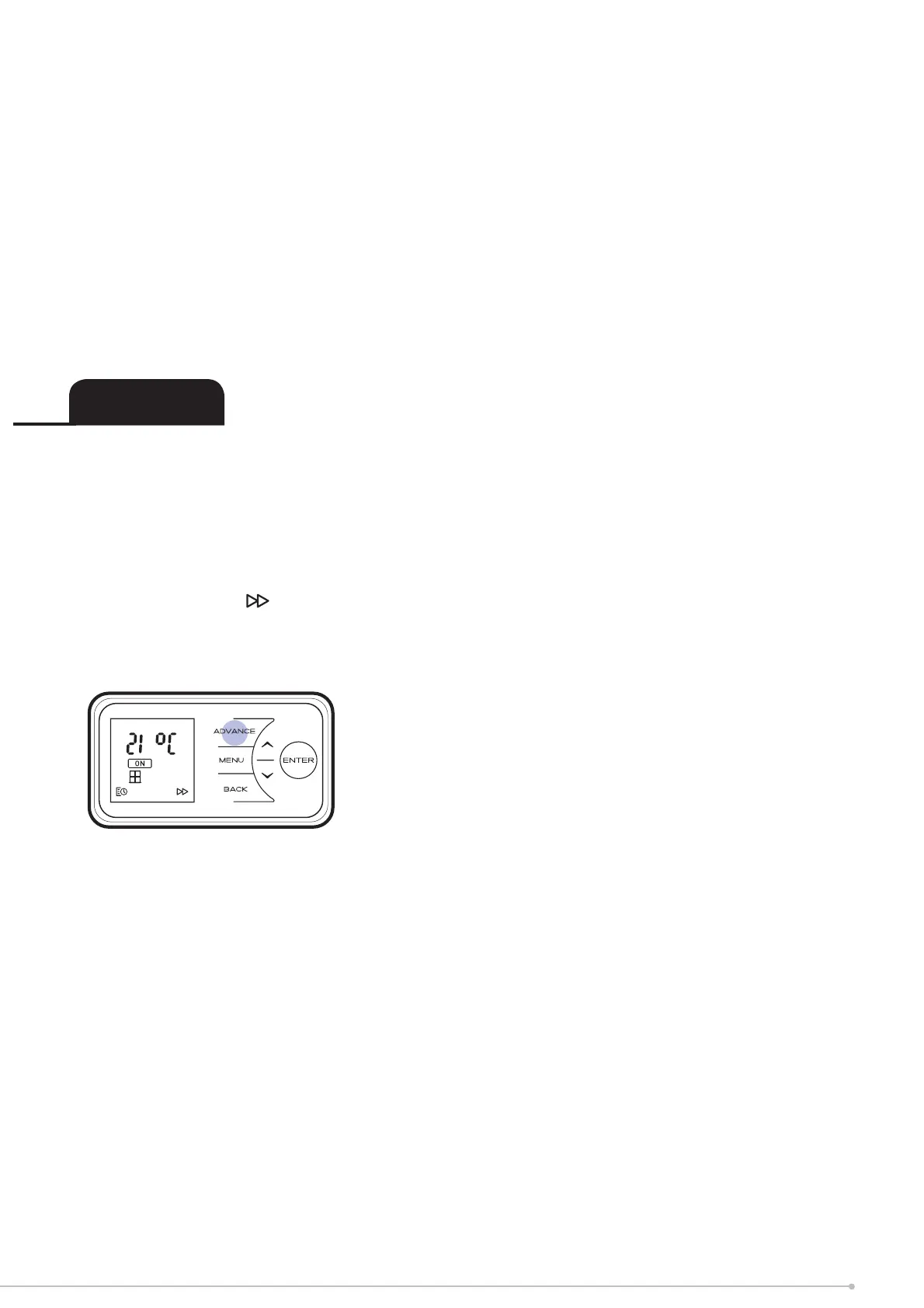
this temporary change is achieved using the Advance function.
When a timer has been selected, the Advance function allows you to begin the next period
early. If the heater is in a Comfort Off period and you want heat - press the Advance button.
The Advance icon
will be displayed on the screen. If the heater is in the Comfort On and
you don’t want heat, press the Advance button and it will go off until the beginning of the
next Comfort On Period.
Advance
17


 To Next Page