14
K1 K2
K3 K4 K5
PID
Original instructions.
BUTTONS AND CONTROLS
· Machine controls
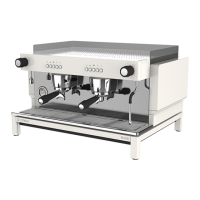
EX features a push button control block for each brewing group. Control functions are explained
below.
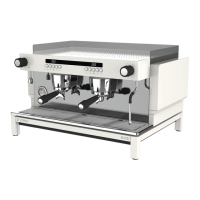
Versions with display (PID) are equipped with an individual 3 digit display on each group for monitoring
machine status, performing user programming and machine adjustments.
Hot Water Knob
Steam Knob
Pro Tip:
All group buttons are fully adjustable via the user programming. See the Dose
Programming section for more details.
Control
Pro Tip:
Versions with display will show the shot timer during the brewing process.
Button Selection description Programming menu function
K1 Short espresso (+)
K2 Medium espresso (-)
K3 Long espresso
K4 Group ush
K5 Continuous / Hot water Enter / Accept
(One set per group)



 To Next Page