12
clockwise. The window drops when the joystick is
turned counterclockwise. Press the button when the
focus is completed.
Button for chinrest down.
3.4 Operation flow
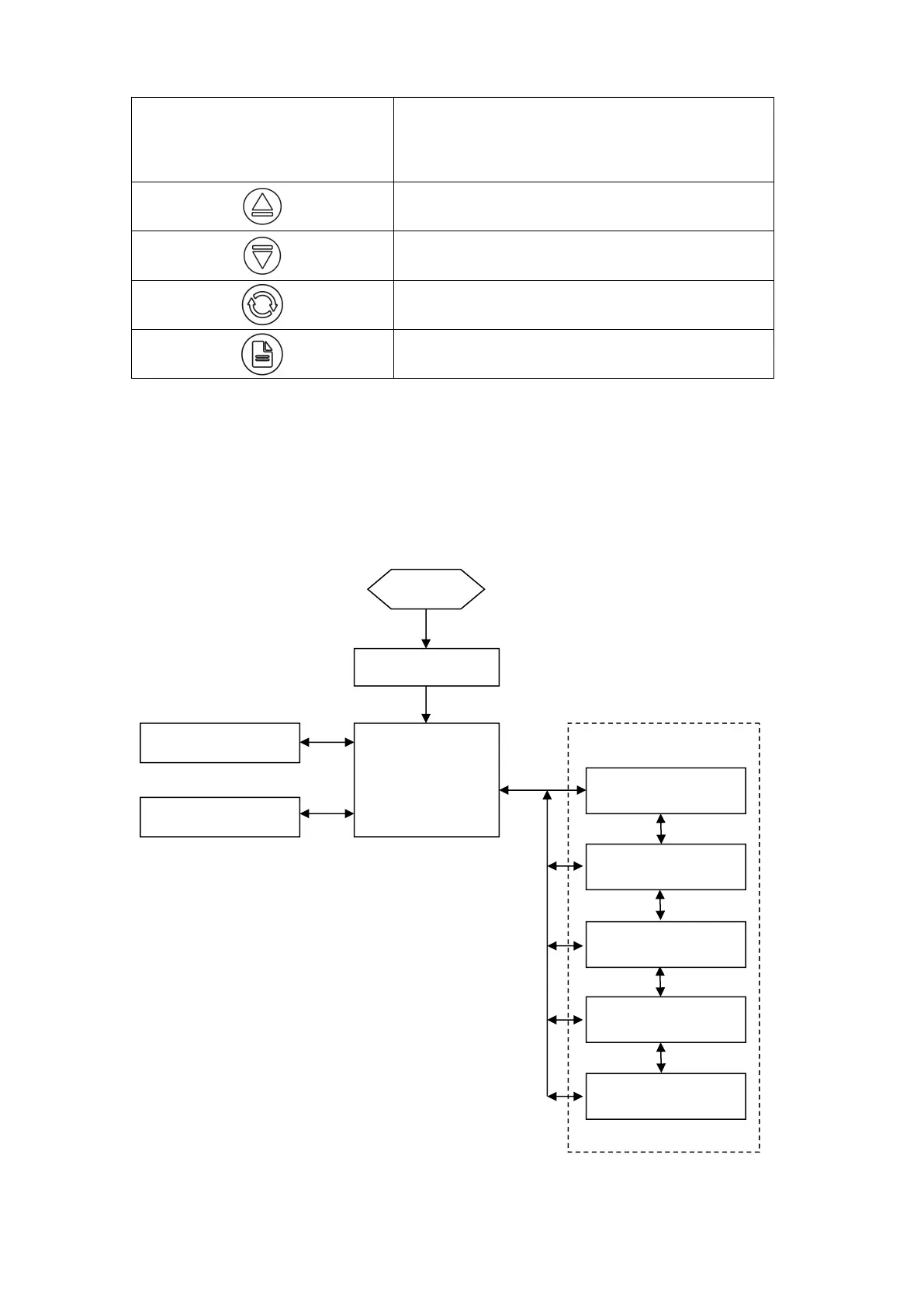
The design block diagram of the software and user interface is shown below. Through the
operating interface, the user can achieve the measurement, data display, image analysis, the
parameters and functions of the modification.
Operation screen flow chart



 To Next Page