14
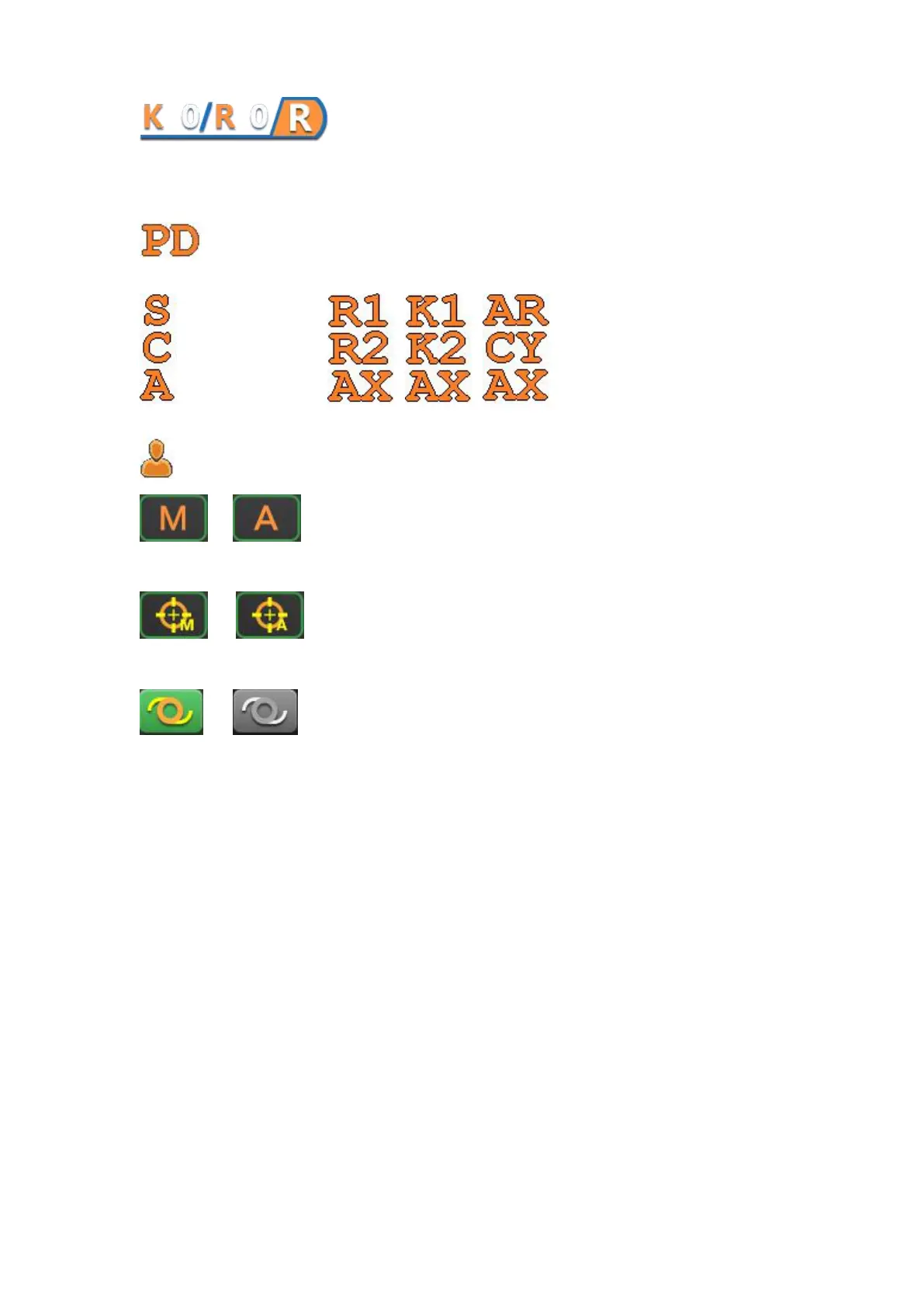
Count the times of left and right measurement: The first letter K
represents the measurement of KER. The second is the times of measurement. The third letter R
represents the measurement of REF. The fourth is the times of measurement. The last "R" means
"right".
The value of PD display: When left and right eye measurements are completed and
PD switch turn "ON", the PD value will be displayed. Otherwise displayed “- -”.
For REF data display Three forms of corneal curvature
data display
Serial number of patients
/ Manual / automatic mode: Touch this button to switch measurement
mode between manual and automatic.
/ Manual / auto alignment method: Touch this key to switch up and
down alignment between manual alignment and automatic alignment.
/ IOL switch button: Touch this key to switch IOL mode.
3.5 Set screen description
Touching the setting button in the measurement interface, you can enter the parameter settings
screen.



 To Next Page