15
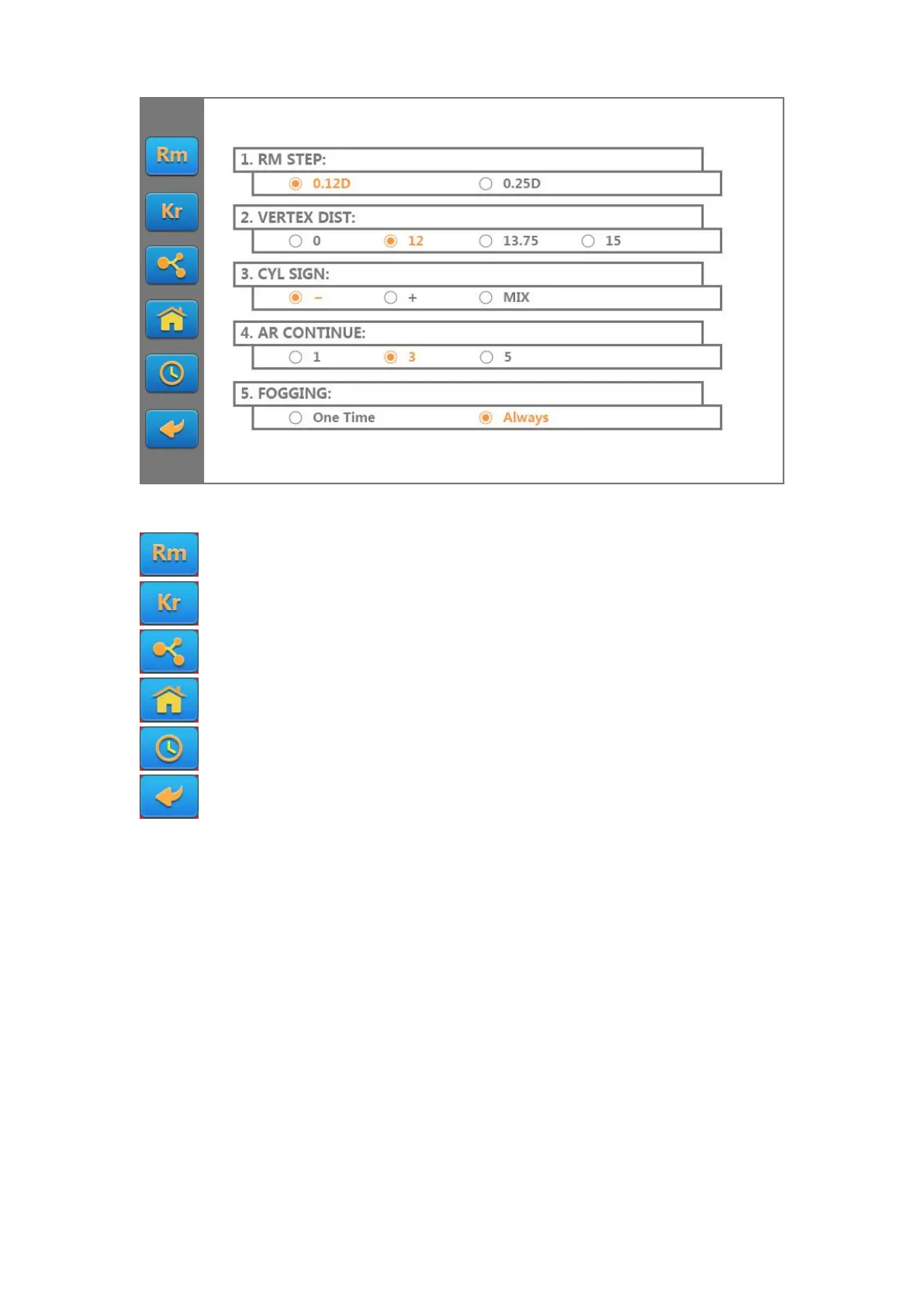
The buttons on the left side of the screen are all kinds of function parameters:
Touch this button to display the REF function parameters.
Touch this button to display the KER function parameters.
Touch this button to display the function setting parameters.
Touch this button to display the information setting parameters.
Touch this button to display the time setting parameters.
Touch this button to return to the measurement screen.
The Description of functional parameters is as follows:
1. REF functional parameter:



 To Next Page