20
4. Installation and measurement preparation
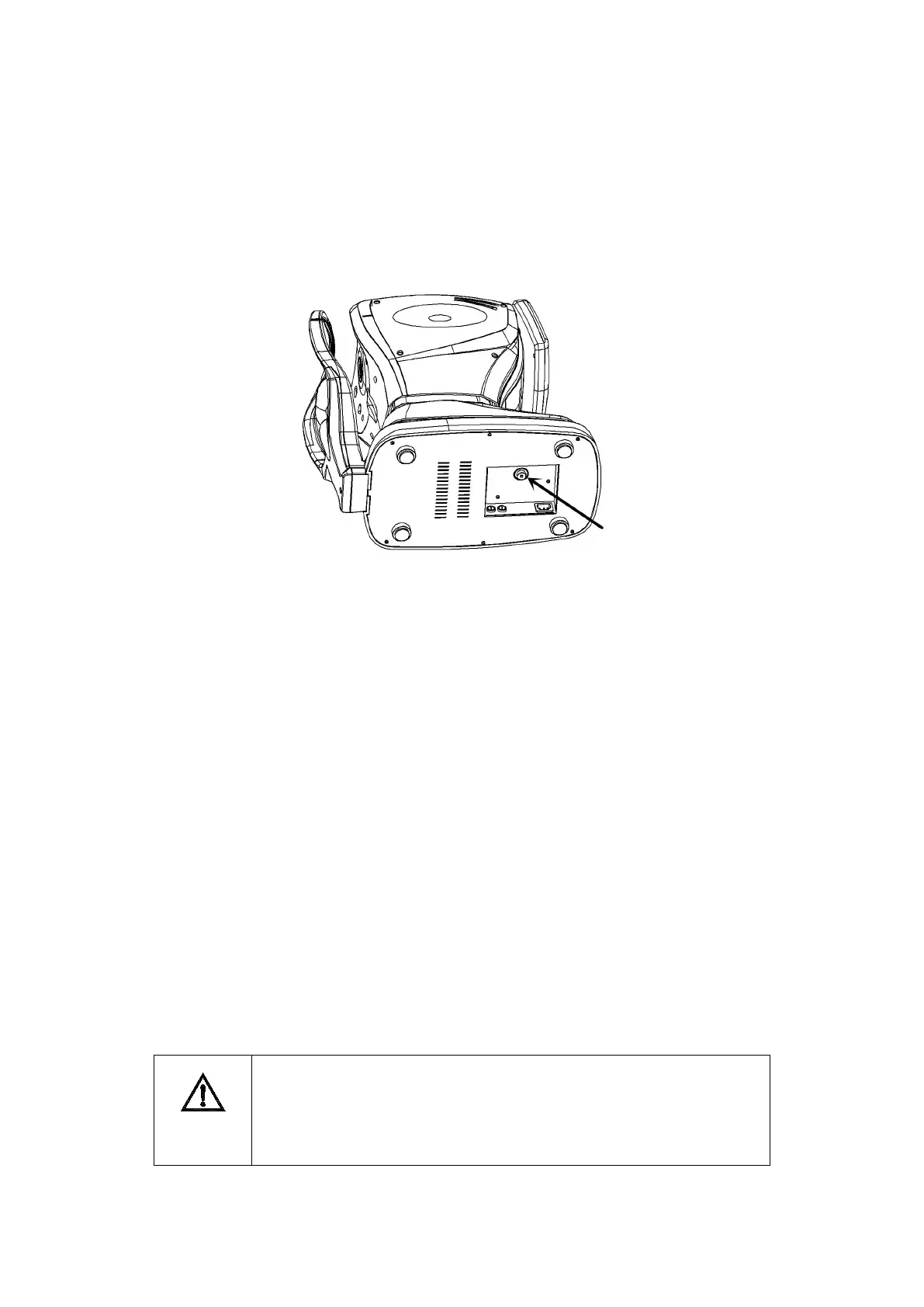
1.Unlock
First, turn “9. Locking lever” up
Then, Use inner hexagon spanner of appendix to turn the screw in Figure 6 anticlockwise.
Figure 6 unlock
2.Connect power cord
Place the instrument on a horizontal table;
Make sure that the power switch is turned off. Then connect the power cord plug to the
“18.power inlet”
3. Set chinrest paper
Pull out “16.Fixing pins” of two sides.
The “16.Fixing pins” is inserted into the hole of chinrest paper.
Install chinrest paper on “13.Chinrest”.
4. Set new printer paper
The installation sequence of the printer paper refers to Section 6.2 in this manual.
5. Check setting parameters
Before the measurement, please check the parameters of each setting screen.
If necessary, the hospital name, address and other information can be entered into the
memory of the instrument in advance. The method of input information refers to Section 3.5 in
this manual.
Before the formal measurement, please check the setting parameters in
Section 3.5 to confirm the parameters for the required value. Because
different settings parameters will cause changes in the measurement



 To Next Page