19
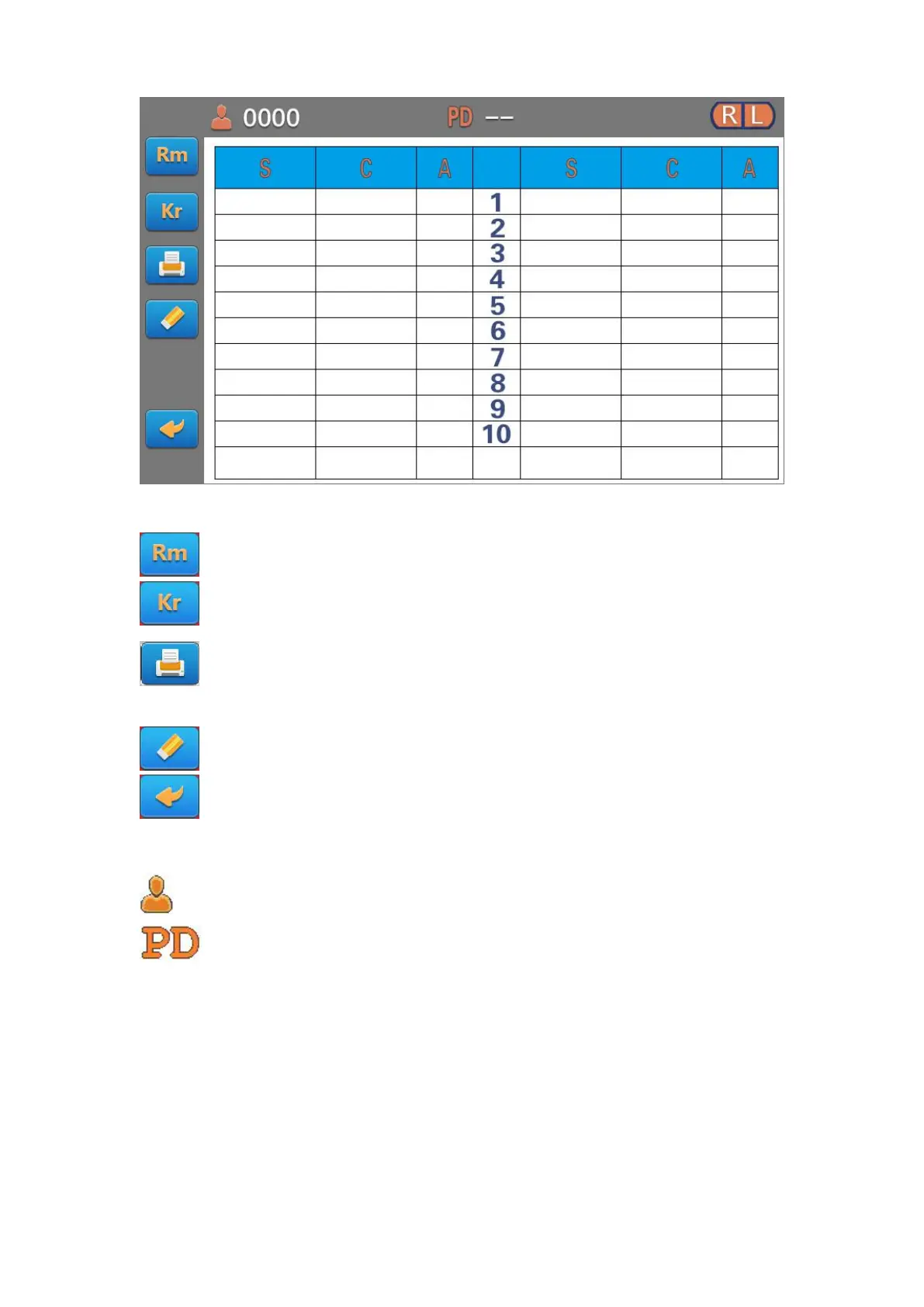
Button in the left of the screen respectively expressed:
Touch this key to show that REF measures the last ten sets of historical data.
Touch this key to show that KER measures the last ten sets of historical data.
Touching this button, according to the function set print REF and KER measurement
data.
Touch this key to clear all the measurement data. The measurement process reset.
Touch this button to return to the measurement screen.
The icons above the title bar:
Serial number of patients
The value of PD display: When left and right eye measurements are completed and
PD switch turn "ON", the PD value will be displayed. Otherwise displayed “- -”.



 To Next Page