Product Manual — Doc. 9020C AirMedia® Series 3 Receivers • 44
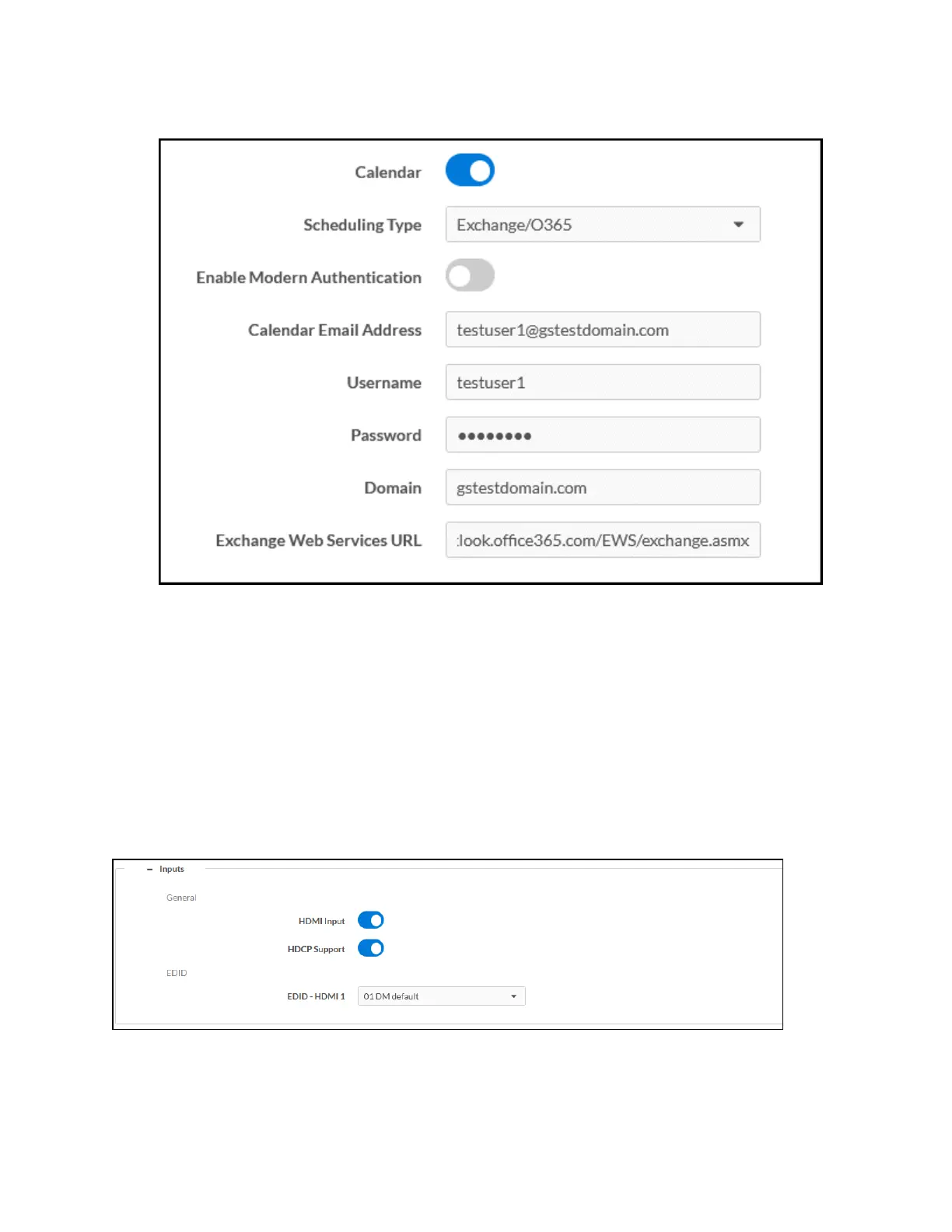
8. Enter the URL of the Exchange server in the Exchange Web Services URL field.
9. Select Save Changes. In the System Initialization dialog box, select Yes to continue.
System initialization will occur.
To disconnect the calendar from the device, select Unregister and follow the instructions for
activating a new configuration.
Audio-Video
Select Audio-Video to configure settings for the HDMI input port (Receiver 200 models only) and
HDMI output port and to display information about the display device and output signal.
Select the + (plus) icon next to Inputs to display the following HDMI input settings.
Settings Tab - Audio-Video (Inputs)















 To Next Page