69 • AirMedia® Series 3 Receivers Product Manual — Doc. 9020C
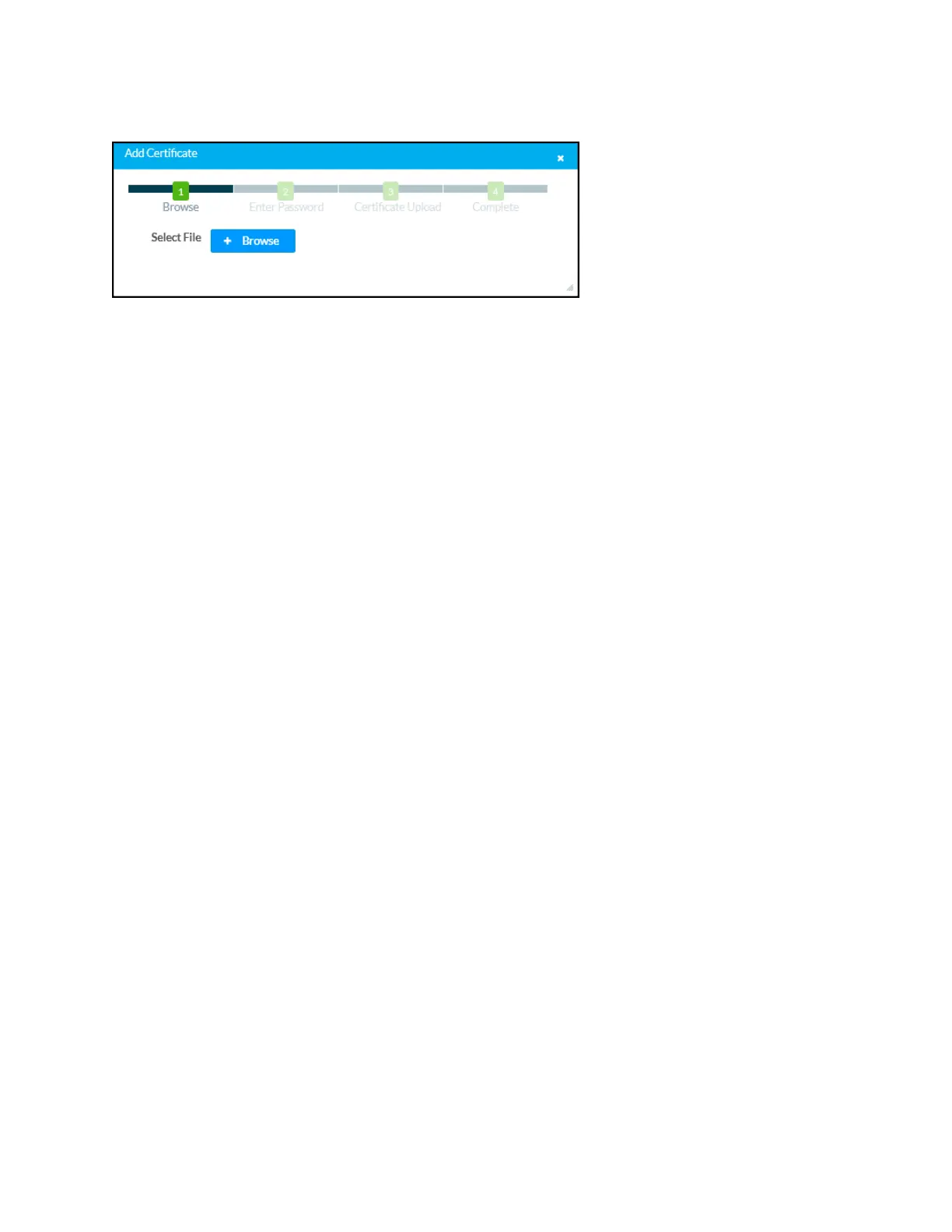
Add Certificate Dialog Box – Browse
To add a new certificate:
1. Select Browse.
2. Navigate to the CA file on the host computer.
3. Select the CA file, and then select Open.
4. If required, enter the password used to encrypt the file.
5. Select Load to load the CA file to the receiver. The upload progress is shown in the dialog
box.
6. Once the receiver has completed the upload, select OK.
Select the x button to close the Add Certificate dialog box at any time during the upload process.
Selecting the x button before the CA file is uploaded to the touch screen cancels the upload.
Select the x button to close the Manage Certificates dialog box and to return to the 802.1x
Authentication page.















 To Next Page