Product Manual — Doc. 9020C AirMedia® Series 3 Receivers • 56
Network Adapter
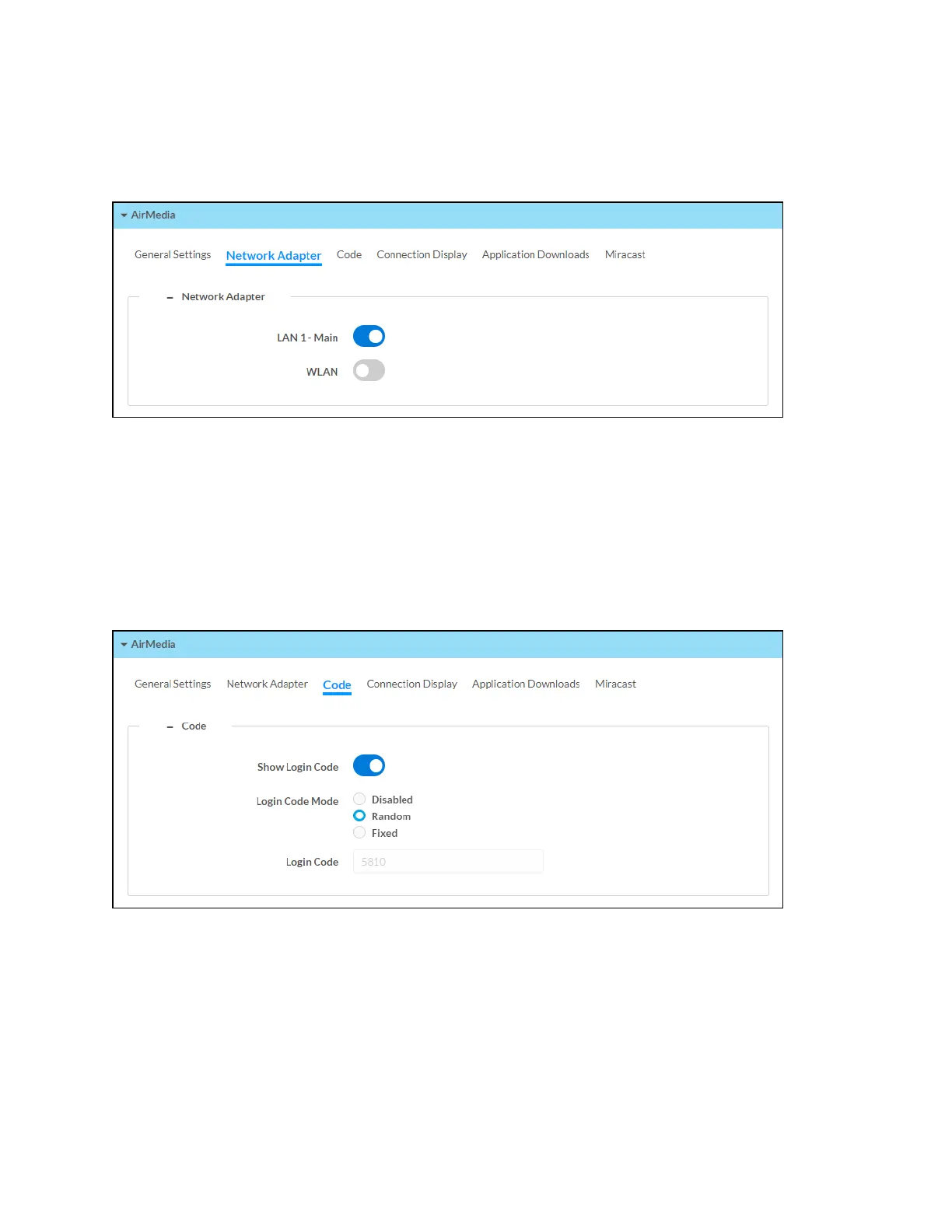
Select the Network Adapter tab to select the Ethernet ports assigned for use by AirMedia.
AirMedia Screen - Network Adapter
l
LAN 1 - Main: Allow AirMedia connections from the local area network.
l
WLAN: Allow AirMedia connections from the receiver's self hosted Wi-Fi access point
(Wi-Fi network enabled models only).
Code
Select the Code tab to configure the access code that must be entered to present content on the
AirMedia receiver.
AirMedia Screen - Code


 To Next Page
 Loading...












