75 • AirMedia® Series 3 Receivers Product Manual — Doc. 9020C
Obtain Authentication IDs
Once the app is registered, the application and directory IDs must be obtained to connect the
receiver to the Azure ADapp.
1. Select App registrations from the Azure widget menu.
2. Select the application created for the receiver. An application dialog box is displayed.
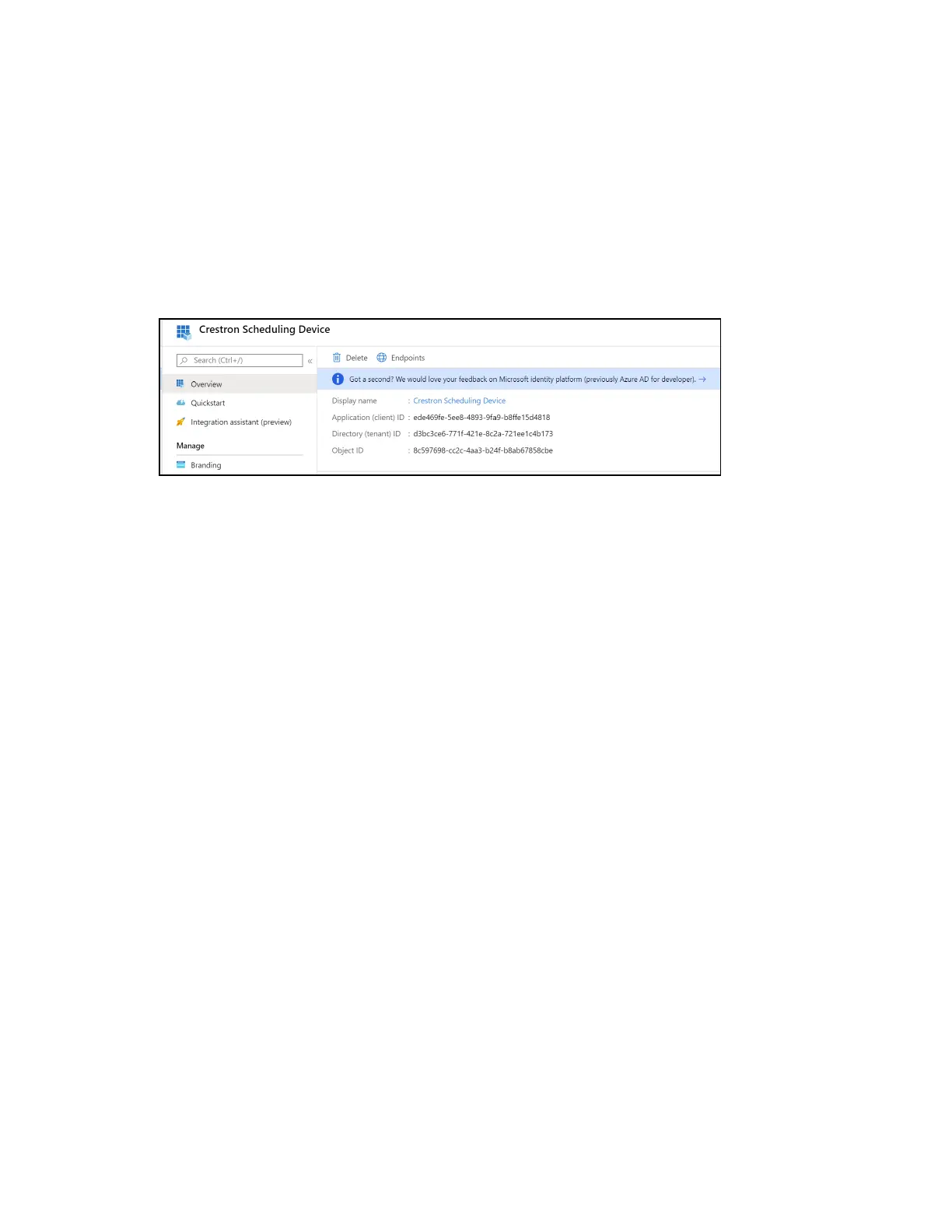
3. Select Overview from the navigation menu. Information about the Azure app is provided.
Application Overview Screen
4. Copy the following fields from the Overview pane to an accessible location. Use the Copy
to Clipboard button that appears when hovering over each field to ensure accuracy.
l
Application (client)ID:The unique identification string for the Azure app.
l
Directory (tenant)ID:The unique identification string for the Azure directory.
Configure Additional Settings
The following additional settings can be configured for the Azure app. These settings define the
user consent experience, authentication details, and API access scopes available to the
application.















 To Next Page