Product Manual — Doc. 9020C AirMedia® Series 3 Receivers • 78
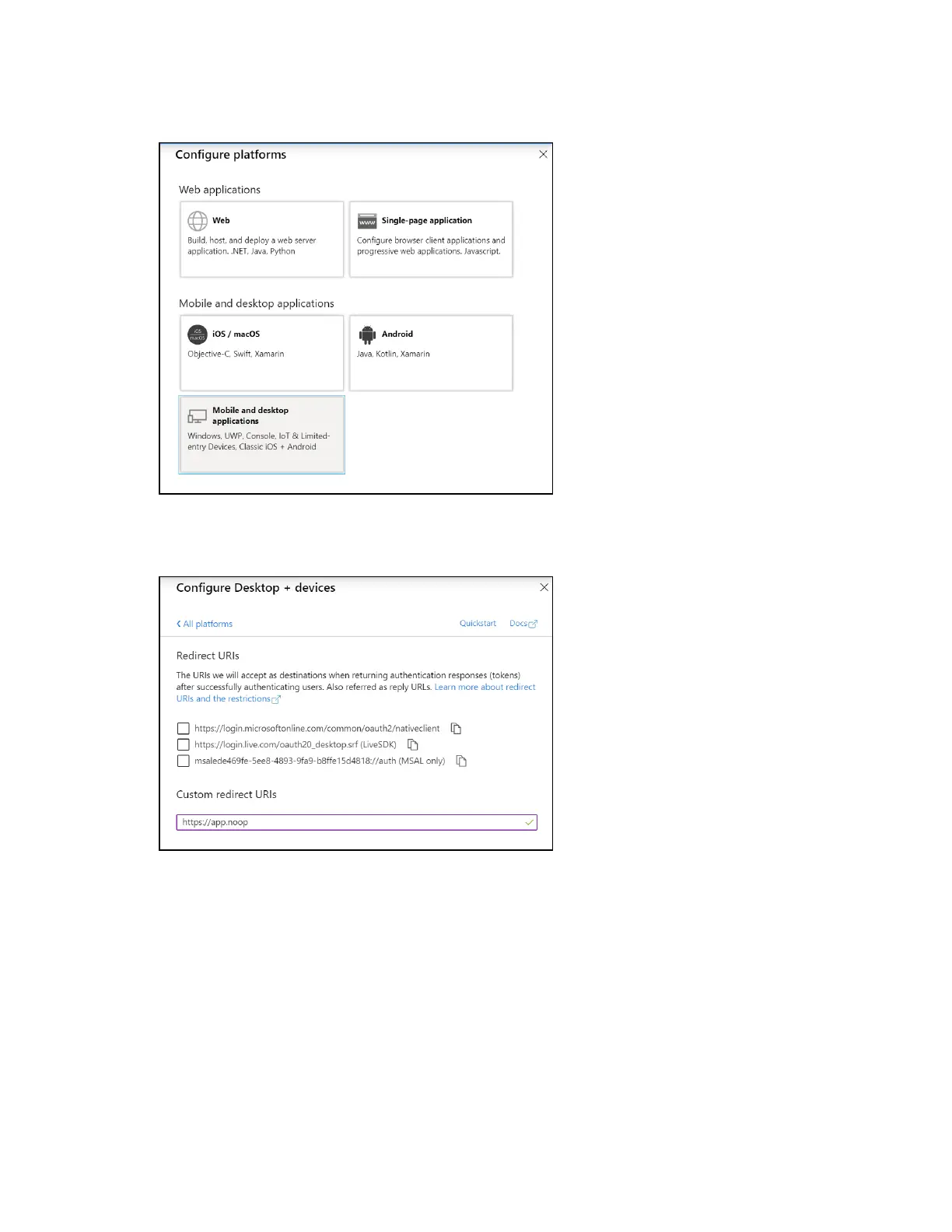
Configure platforms Pane
Select Mobile and desktop applications to display settings for configuring this platform.
Configure Desktop +devices Pane
Azure ADrequires the use of a redirect URI, but the AirMedia receiver does not. Enter a
valid URIaddress and select Configure.
l
Supported account types:Select an account type for the app. This setting is the same as
the one set when registering the app and should not change from Accounts in this
organizational directory only.
l
Default Client Type:The Treat application as a public client toggle must be set to enabled.















 To Next Page