87 • AirMedia® Series 3 Receivers Product Manual — Doc. 9020C
From a Windows Computer
Once the client application is downloaded, content can be shared.
To share content from a Windows computer:
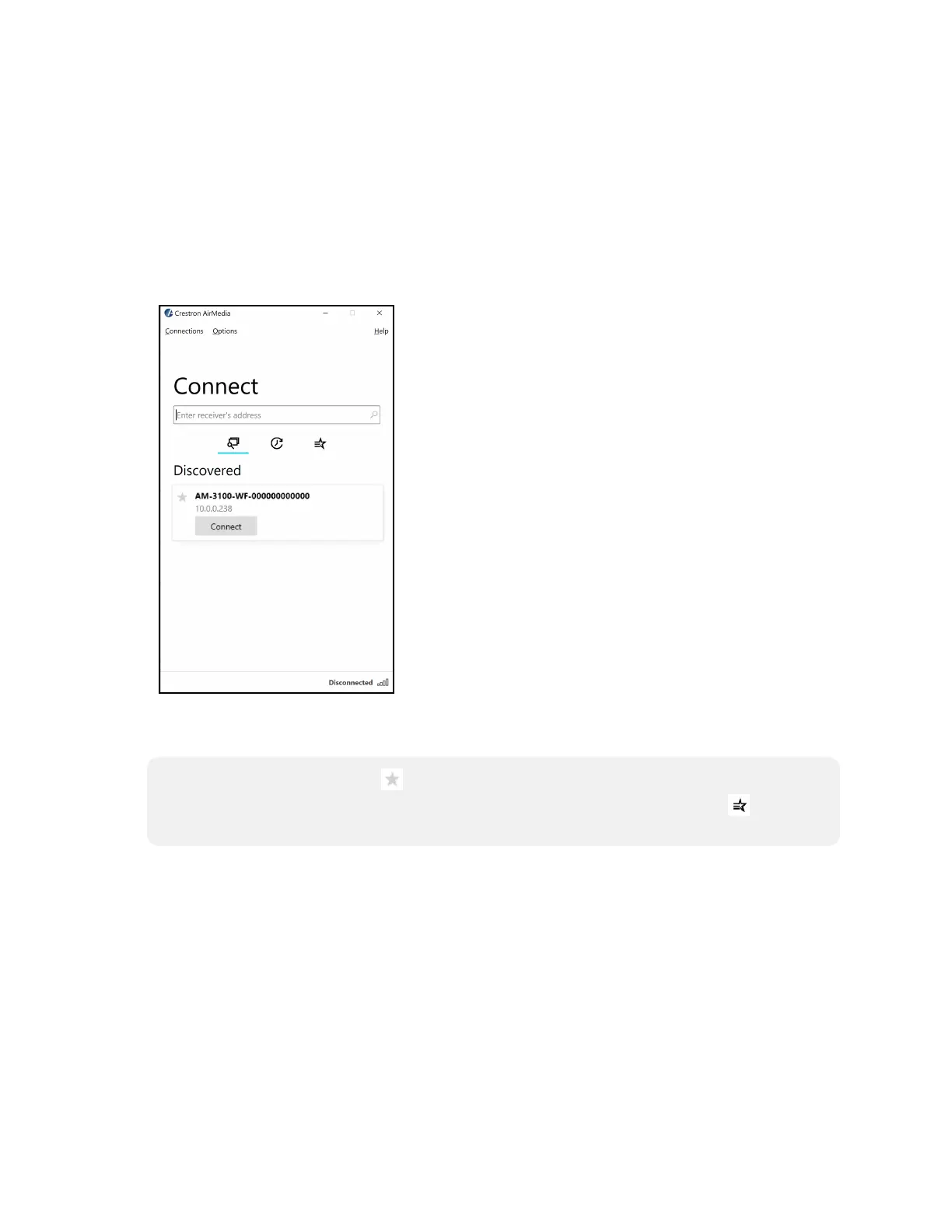
1. Run the client application. The Connect screen appears and lists any discovered AirMedia
devices.
Connect
2. Select Connect under the desired receiver or enter the device's IP address in the search bar
and press enter.
NOTE: Select the star button to the left of the desired receiver to add or remove the
receiver from the favorite devices list. Select the favorite devices list button to access
the list.















 To Next Page