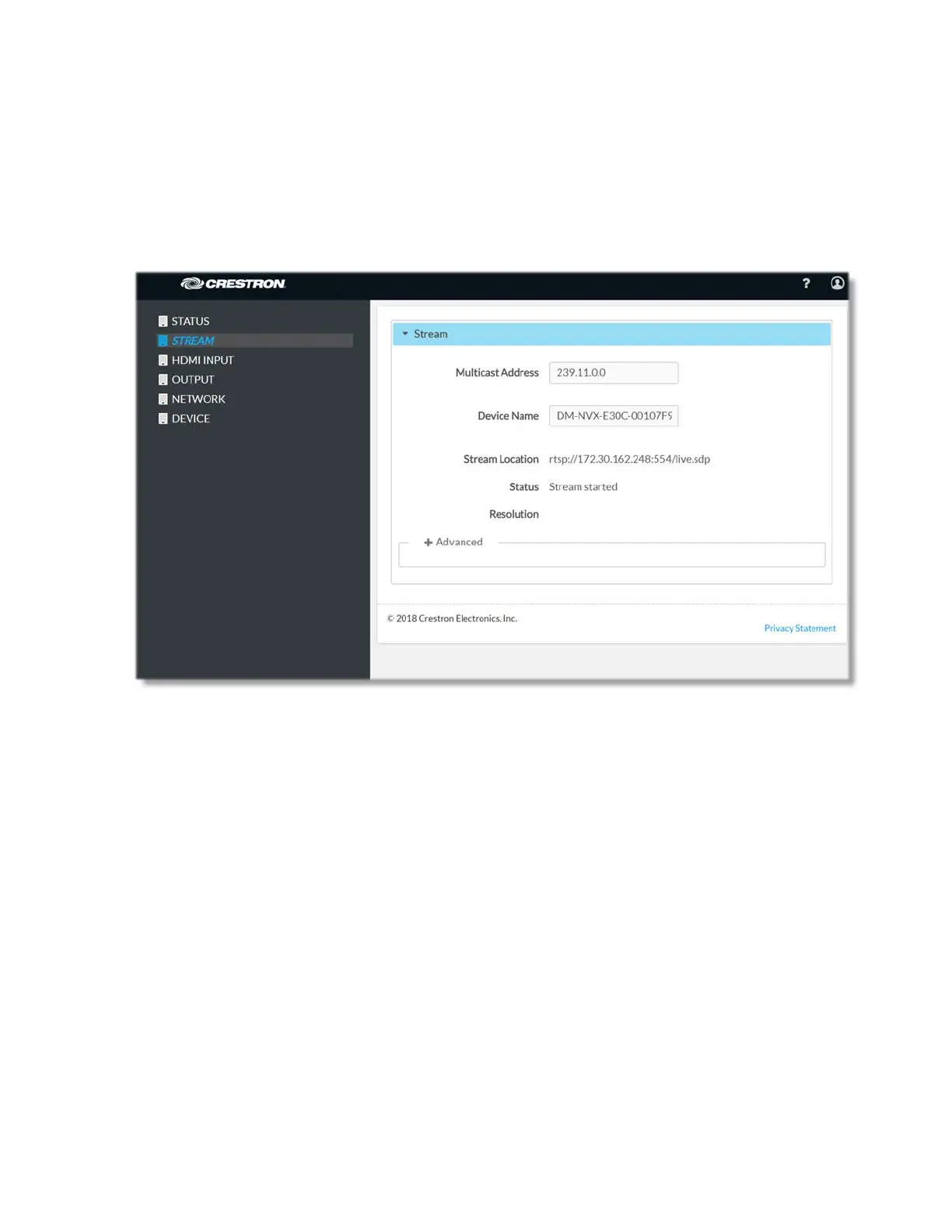
Stream
The Stream page provides means to switch between the two modes (Receiver or
Transmitter) of the DM-NVX-E30(C) and to set relevant stream parameters.
The Stream page can be accessed at any time by simply clicking the STREAM tab in the
navigation bar of the web-based user interface of the DM-NVX-E30(C).
Stream
Multicast Address: Enter the multicast stream address of the device in the Multicast
Address field.
Device Name: Type a device name in the text field to be able to easily identify the
device amongst several devices of that type.
The read-only Stream Location text field displays the RTSP URL of the client.
The read-only Status field reports the status of the device, for example: 'Stream
stopped', 'Stream started', 'Connecting', etc.
The read-only Resolution field reports the resolution of the stream.
Click the + Advanced link to view additional information about the stream.
14 • DM-NVX-E30(C)



 To Next Page