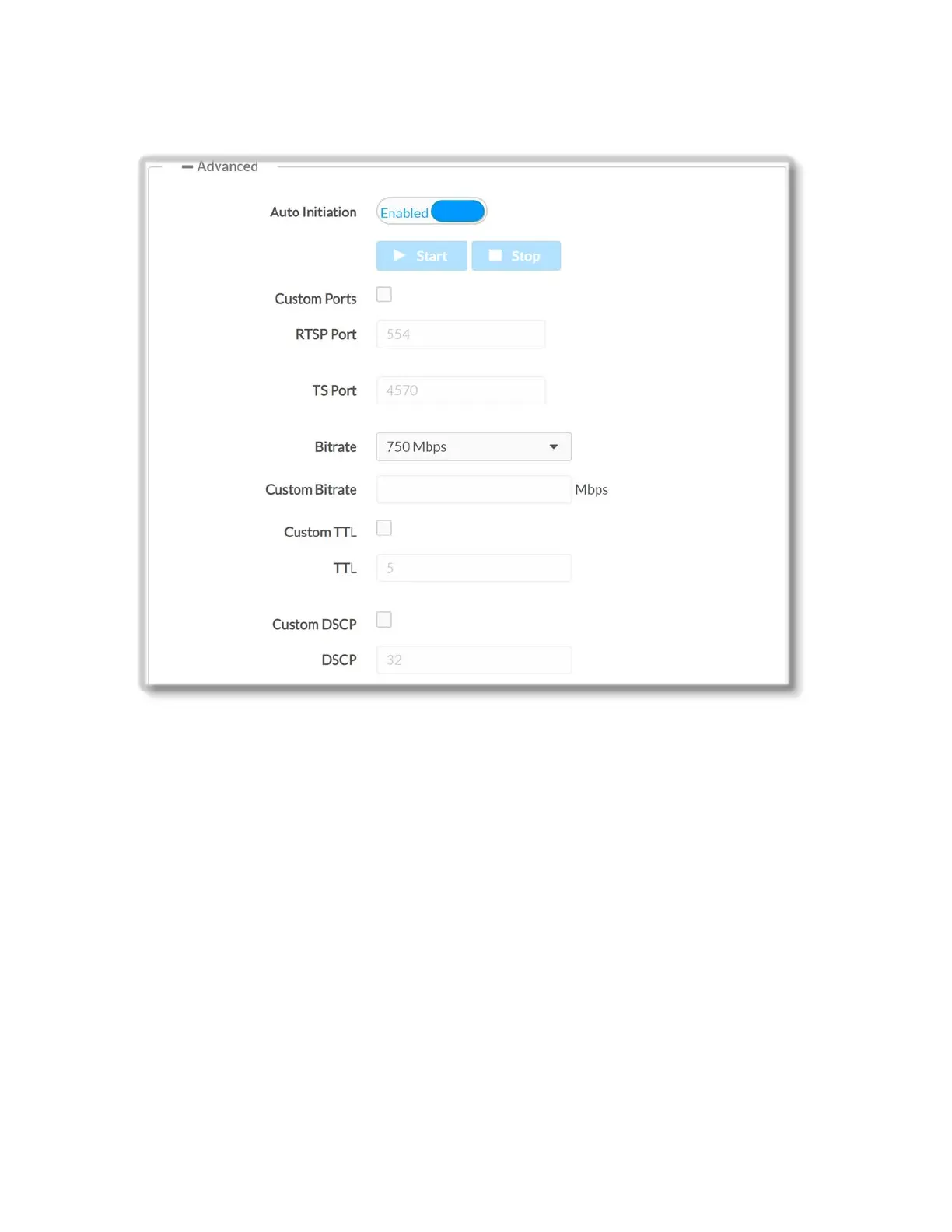
+ Advanced Stream Options
Move the Auto Initiation slider to the desired position (Enabled or Disabled) to specify
whether the stream will automatically start when the correct parameters are set. By
default, Automatic Initiation is set to ’Enabled’.
Press the Start or Stop button, to start or stop a stream if Automatic Initiation is
disabled. Note that when Automatic Initiation is disabled, the device will wait for the
Start button to be pressed before attempting to start a stream.
Select the Custom Ports check box if you wish to specify custom RTSP or TS port.
Crestron recommends using a custom port value greater than 10000.
RTSP Port – Enter custom TCP port number for the RTSP server of the primary
audio/video stream.
Valid values range from 1 to 65535. By default the RTSP Port of the DM-NVX-E30(C) is
set to port 554.
TS Port – Enter custom UDP port (value must be an even number; odd value will be
rejected by the device) at which both audio and video are transmitted. By default the TS
Port is set to 4570. Valid values range from 1 to 65530.
15 • DM-NVX-E30(C)



 To Next Page