Bitrate: Select a bitrate from the Bitrate drop-down list to set the bitrate of the
transmitted stream in Mbps. Crestron recommends to use the default value.
-or-
Select Custom in the Bitrate drop-down list and type custom value (in Mbps) in the
Custom Bitrate text field below.
Select the Custom TTL check box and enter custom TTL (Time-to-Live) value in the TTL
text field. TTL values can range from 1 to 255.
Select the Custom DSCP check box and enter custom value in the DSCP text field.
DSCP values can range from 1 to 63.
Note that if Automatic Initiation is enabled the DM-NVX-E30(C) will restart the stream
whenever any of the following parameters are changed. Otherwise the stream must be
restarted manually:
o TS Port
o RTSP Port
o Multicast Address
o Bitrate
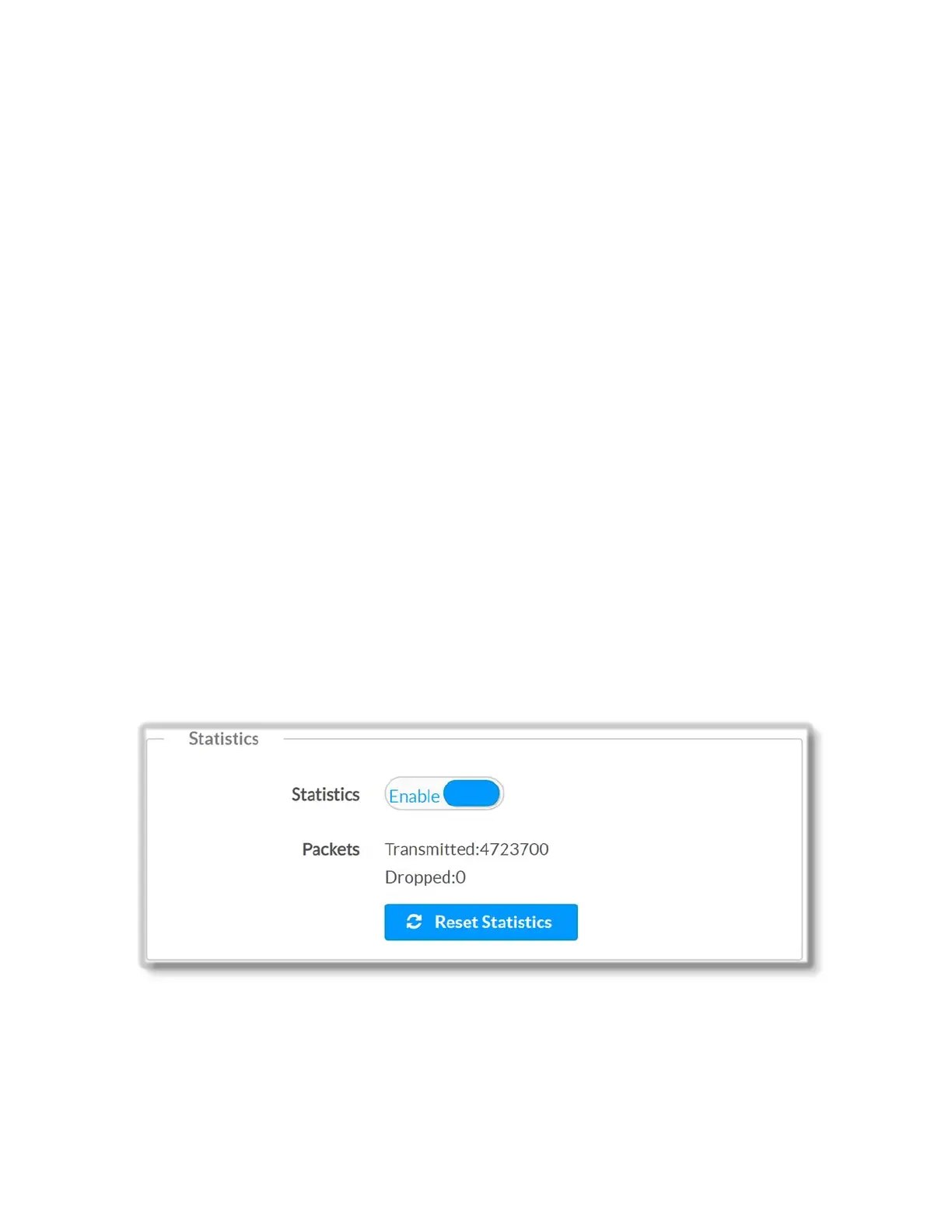
Statistics
Move the Statistics slider to the desired position (Enable or Disable) to specify whether
statistics reporting will be enabled or disabled. By default, statistics reporting is disabled.
Packets Transmitted, Packets Dropped: Report the number of transmitted video
packets and the number of dropped packets sent when streaming out.
16 • DM-NVX-E30(C)



 To Next Page