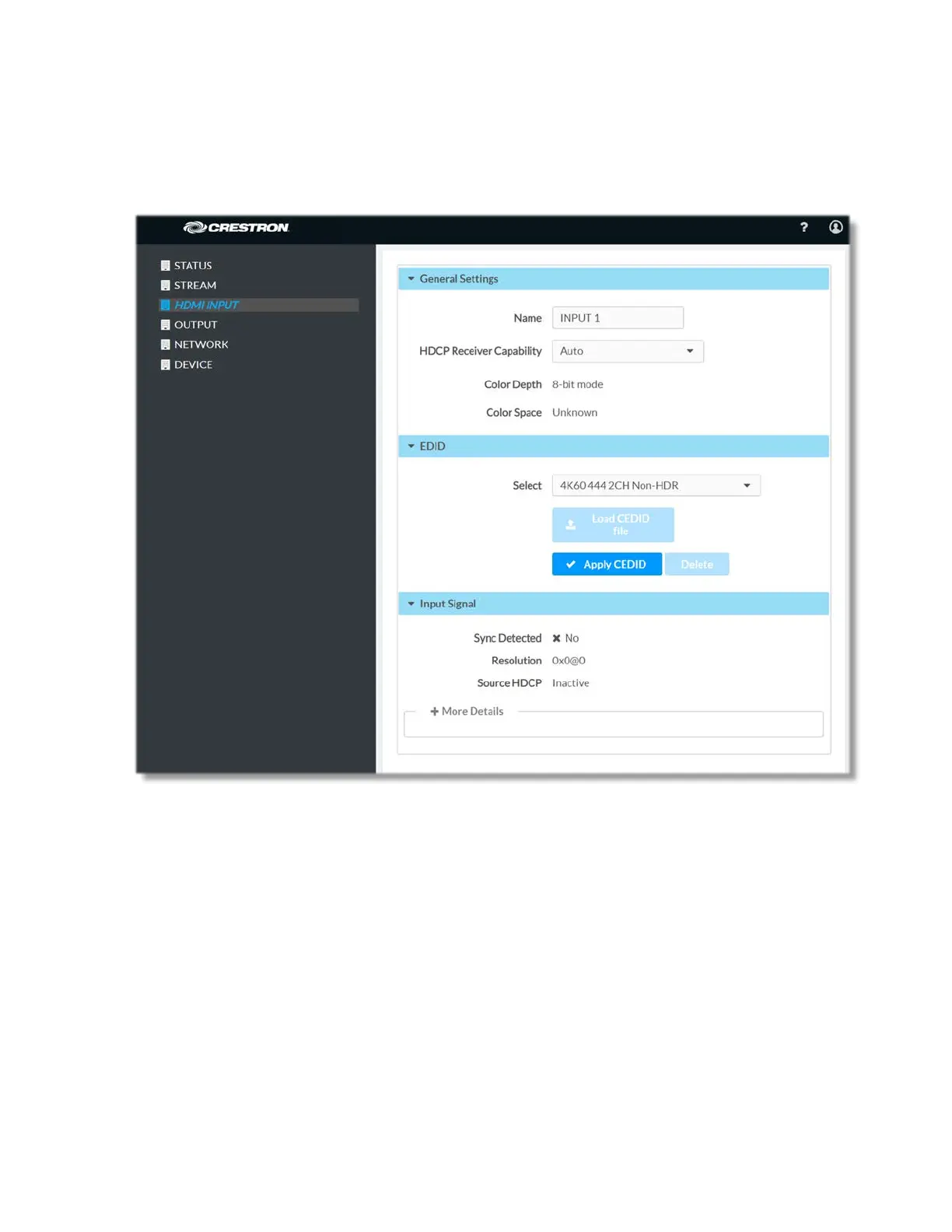
HDMI Input
The HDMI Input page can be accessed at any time by simply clicking on HDMI INPUT or
in the navigation bar of the web-based user interface of the DM-NVX-E30(C).
General Settings
Modify the name of this HDMI input by editing the existing name or entering a brand new
name for the HDMI input in the Name field. Any changes take effect immediately and the
new/edited stream routing name is reflected in the Inputs page.
Use the HDCP Receiver Capability drop-down list to specify whether the HDCP Support
capability for this input will be Disabled, Auto, HDCP 1.4 or HDCP 2.2
The non-editable Color Depth and Color Space fields display information about the
color depth and color space respectively.
18 • DM-NVX-E30(C)



 To Next Page