EDID
In the Select drop down list select a built in EDID file from the list of built-in predefined
EDID files.
Predefined EDIDs are as follow:
• 01 DM Default
• Consumer 1080p60 HBR
• Consumer 720p60 HBR
• Consumer 1080p60 3D HBR
• Laptop 16x9 1080p60 2ch
• Laptop 16x10 1920x1200 2ch
• Laptop 16x10 1280x800 2ch
• Laptop widescreen 2ch
• Consumer 1080p50 HBR
• Consumer 720p50 HBR
• Consumer 1080p50 3D HBR
• Laptop 16x9 1080p50 2ch
• DM default 4k 30Hz 2ch
• Consumer 4k 30Hz 3D HBR
• Consumer 4k 25Hz 3D HBR
• DM Default 4k 60Hz 2ch
• DM Default 4k 30Hz HBR
• 4K60 444 2CH Non-HDR
• 4K60 444 2CH HDR
• 4K60 444 HBR HDR
• 4K60 444 2CH HDR DCI
• 4K60 444 HBR Non-HDR
- or -
Upload a custom EDID file by following the steps below:
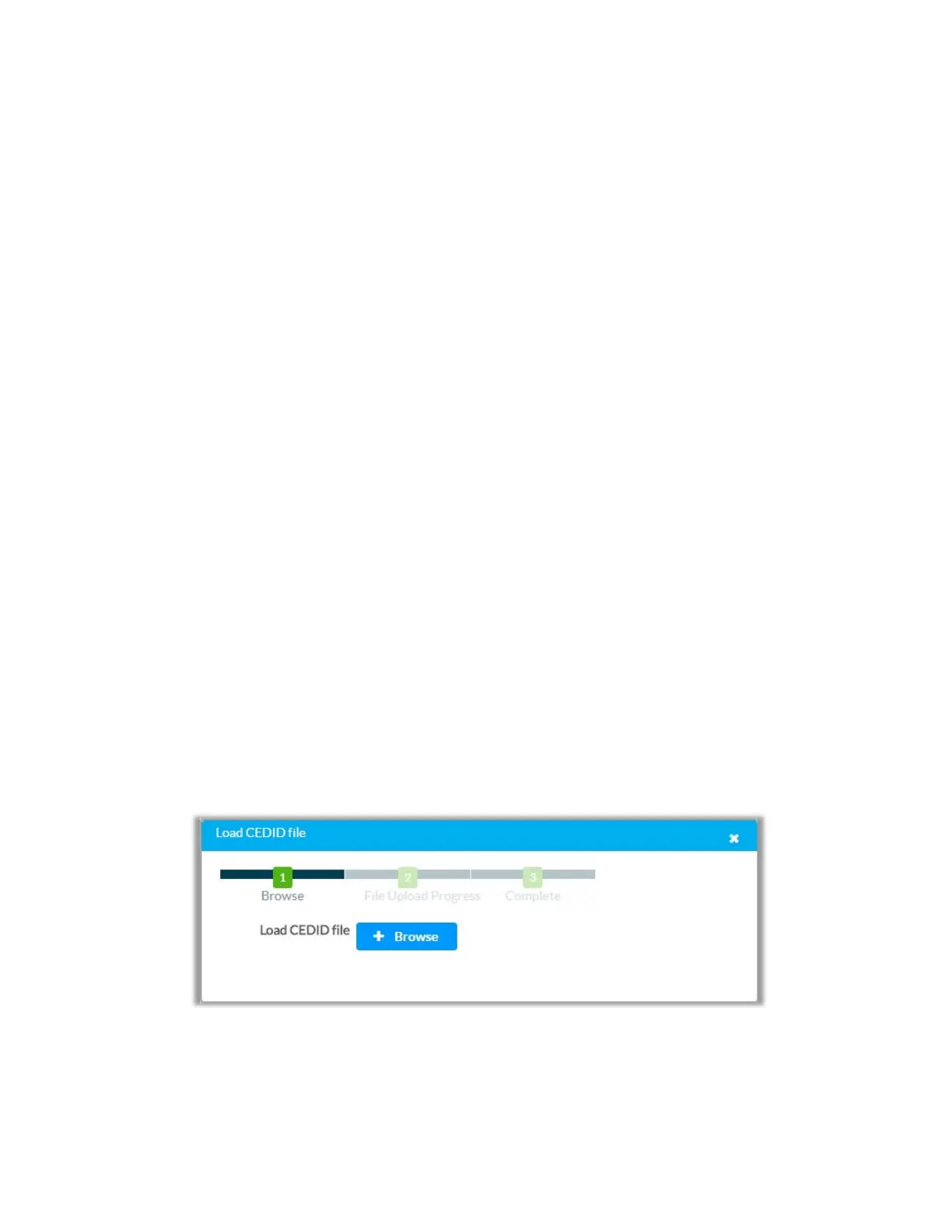
1. In the Select drop down list select Custom and click Load CEDID file:
2. In the Load CEDID file dialog click the +Browse button
3. Locate and select the desired custom EDID file (*.cedid), and then click the Open
button.
19 • DM-NVX-E30(C)



 To Next Page