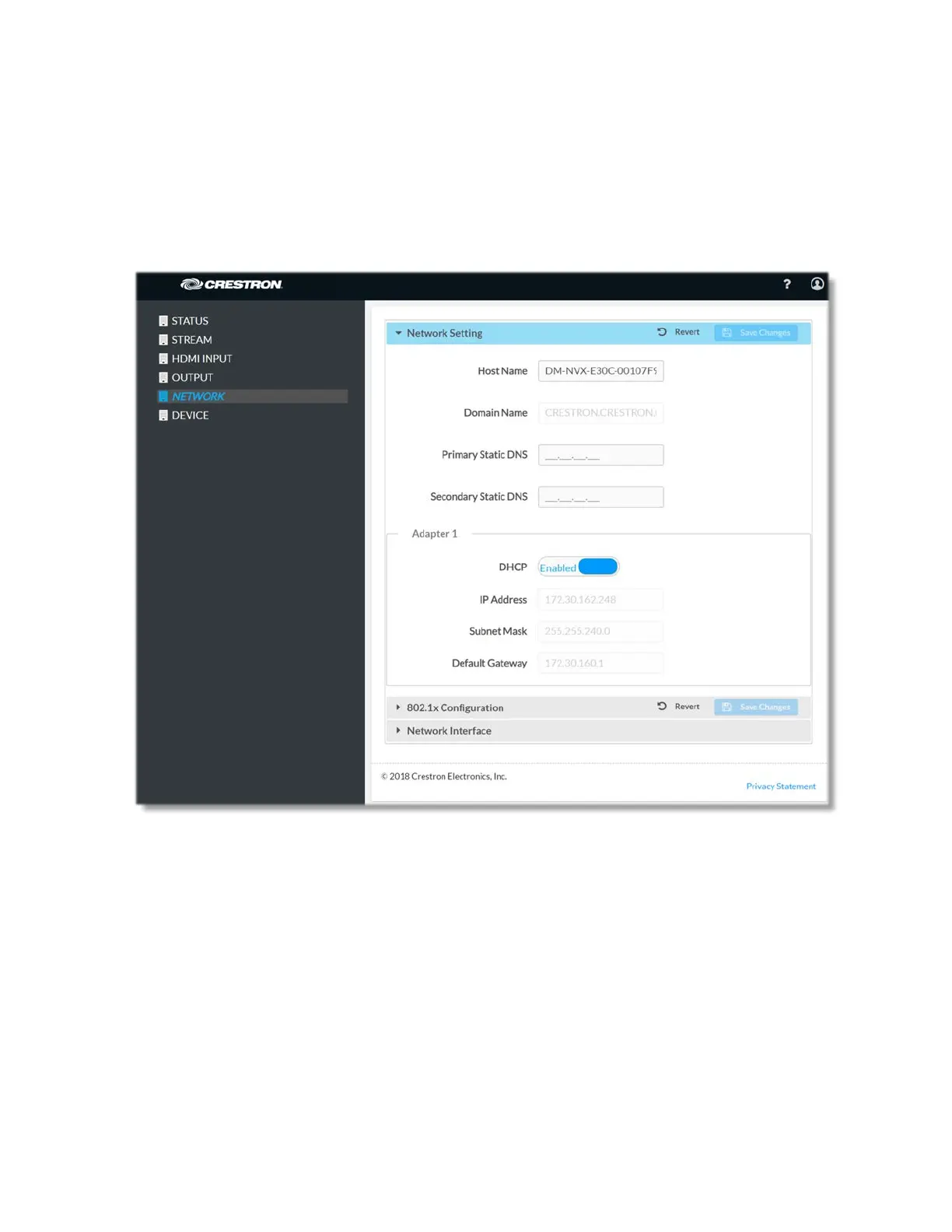
Network
The Network page allows network settings such as host name, domain name, and DHCP
(Dynamic Host Configuration Protocol) mode to be set.
The Network page can be accessed at any time by simply clicking the NETWORK tab in
the navigation bar of the web-based user interface of the DM-NVX-E30(C).
Network Settings
To configure the network settings of DM-NVX-E30(C), modify one or more of the
following:
Host Name: Overwrite the existing host name in the Host Name text field with the
desired new host name. The host name is restricted to the letters a to z (not case
sensitive), the digits 1 to 9, and the hyphen.
Domain Name: Specify a domain name.
24 • DM-NVX-E30(C)



 To Next Page