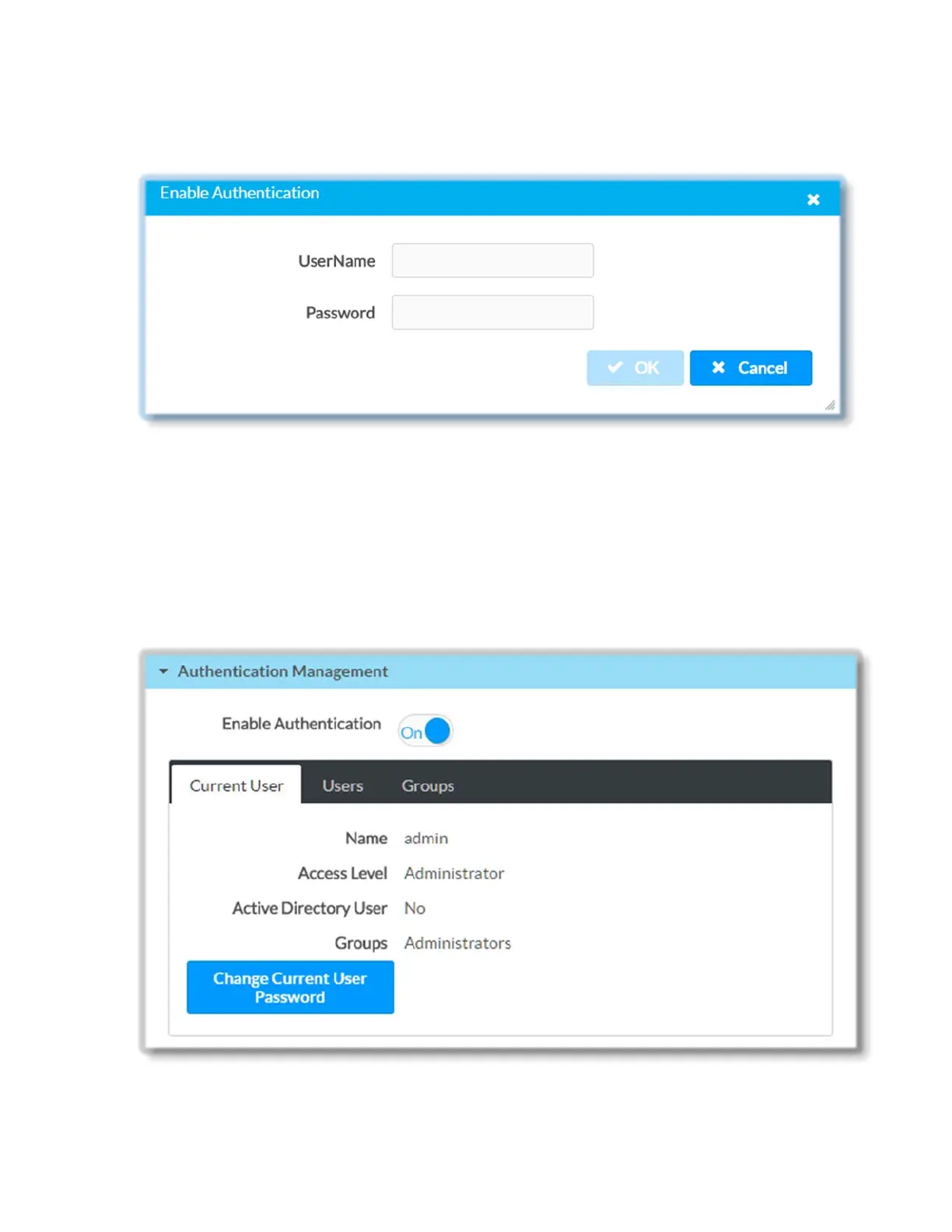
Note that in order to enable authentication you will be prompted to provide your
administrator credentials:
After enabling/disabling authentication, the current device session will end and you may
be redirected to the login page. Turning authentication on or off does not affect existing
user or group accounts on DM-NVX-E30(C).
Once authentication is turned on, only users with administrator rights can disable it.
When authentication is enabled, click on the corresponding Current User, Users or
Groups tabs to view, add, remove, and edit information local or Active Directory users
and groups on DM-NVX-E30(C) or to change password for current user.
37 • DM-NVX-E30(C)



 To Next Page