To save the settings, click the Save Changes button.
To revert to the previous settings without saving, click the Revert button.
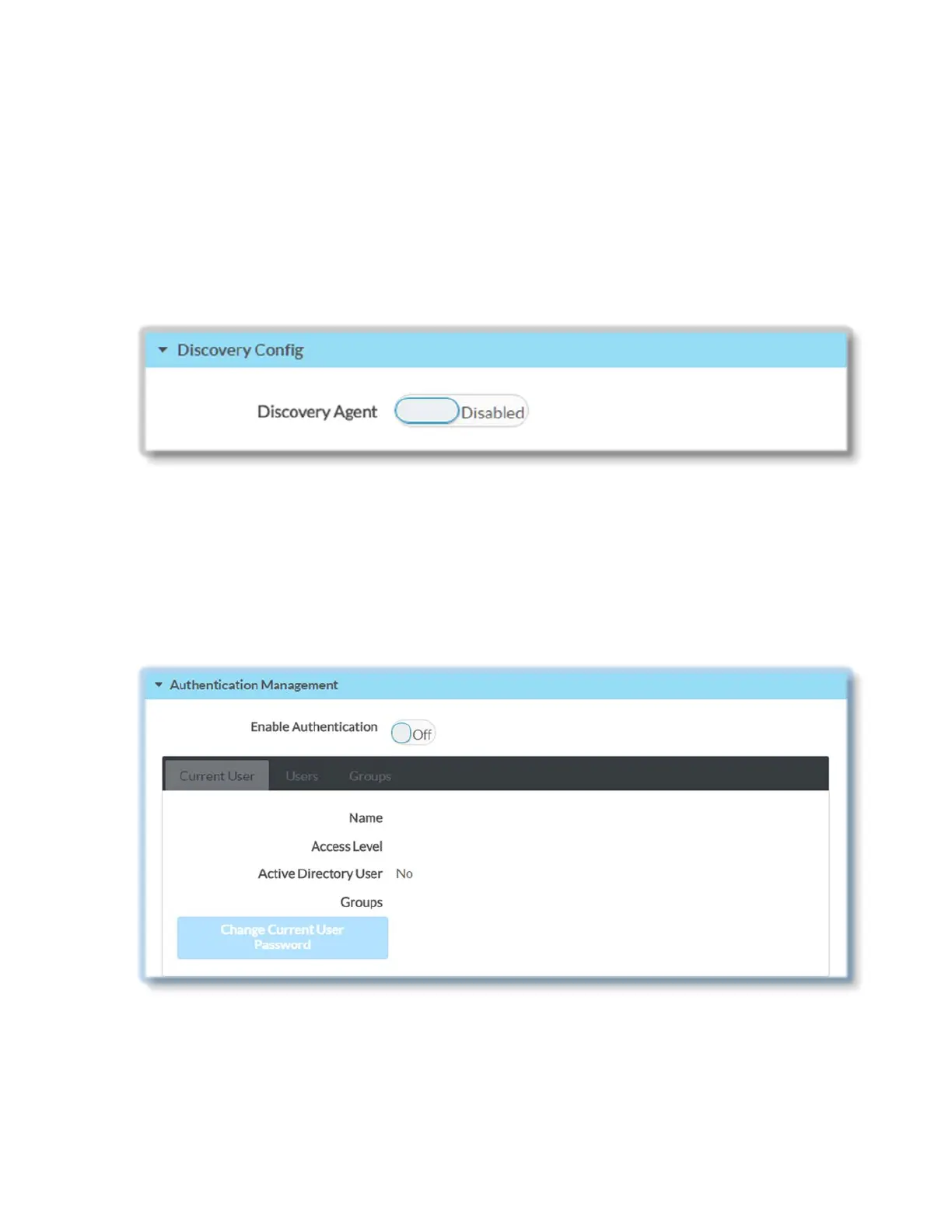
Discovery Config
Move the Discovery Agent slider to Enabled or Disabled to specify if the DM-NVX-
E30(C) will be discoverable or not. When Discovery Agent is enabled the DM-NVX-E30(C)
will be displayed in the 'Available Streams' lists of other receivers.
Authentication Management
Click the Authentication Management tab to configure authentication management for
users and groups and to allow different levels of access to the functions of DM-NVX-
E30(C).
By default the authentication mode is disabled (set to Off).
Move the Enable Authentication slider to the desired position (On or Off) to specify
whether authentication will be enabled or disabled.
36 • DM-NVX-E30(C)



 To Next Page