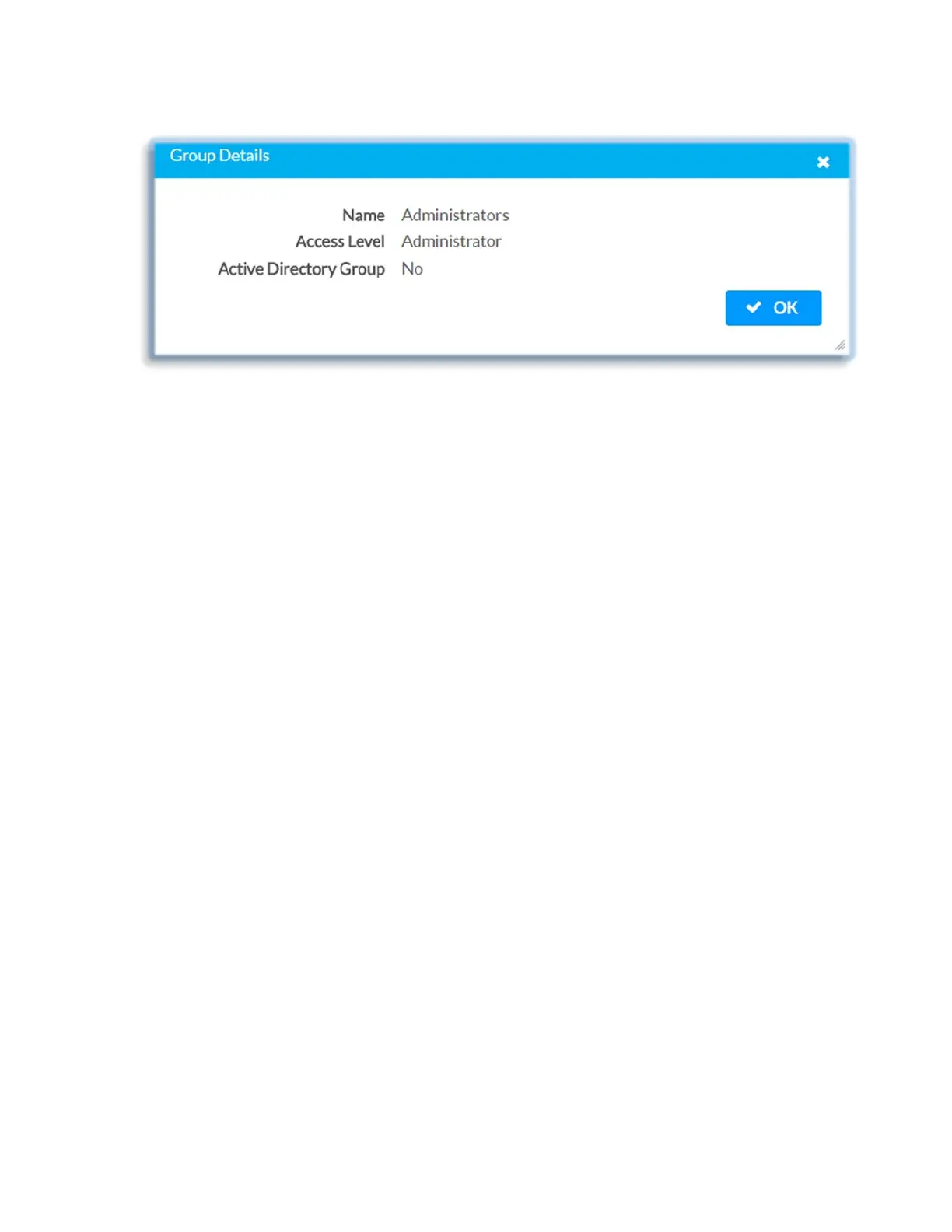
• Name: Displays the name of the group
• Access Level: Displays the access level of the group and its users
• Active Directory Group: Displays whether the group is an Active Directory group
Click OK to close the Group Details dialog and to return to the Authentication
Management Groups settings.
Users
Click the Users tab to view and edit user settings. The Users tab can be used to add
local and Active Directory users, remove local and Active Directory users, and preview
information about users.
41 • DM-NVX-E30(C)



 To Next Page