Then:
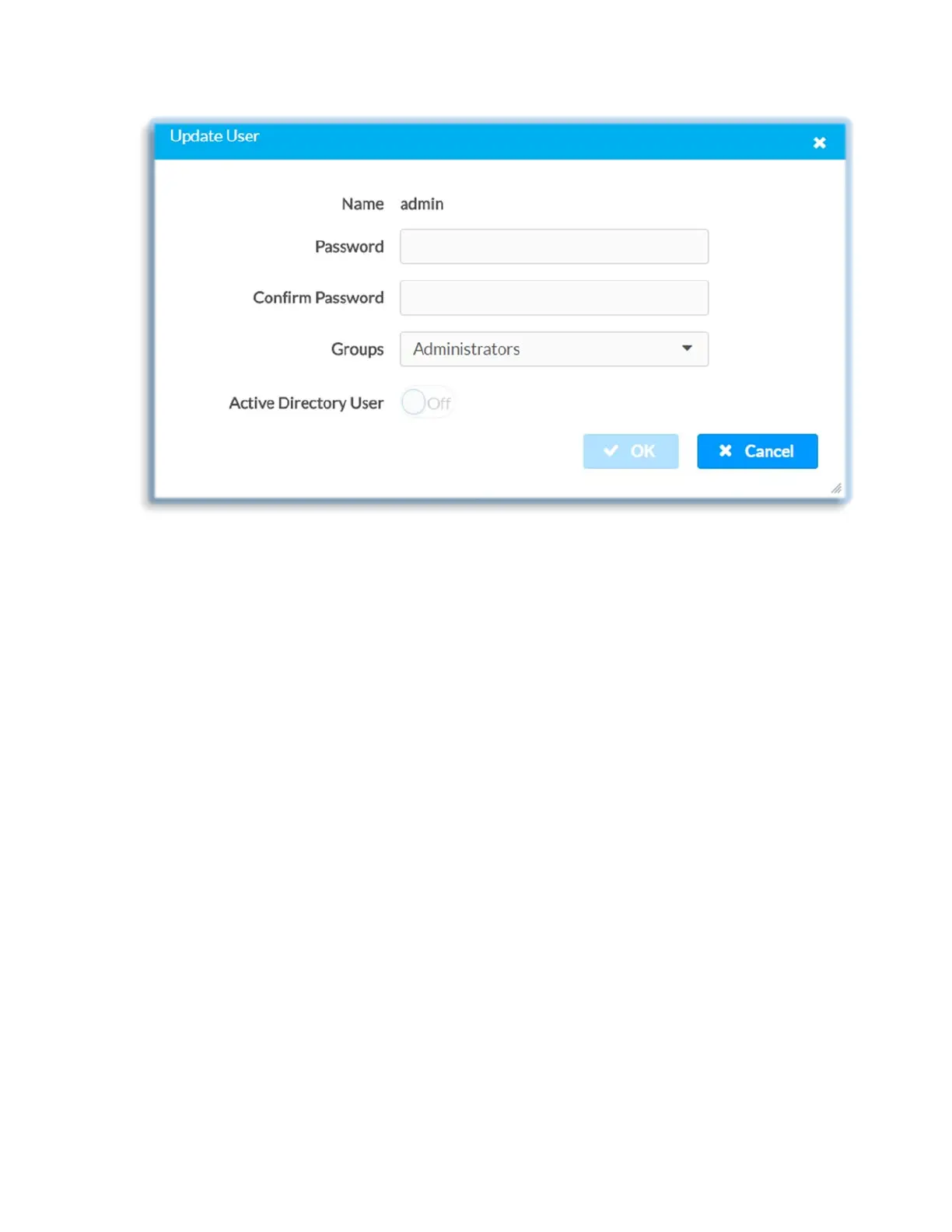
• Enter password in the Password text field; re-enter the same password in the
Confirm Password text field
• Change access level by selecting one or more groups from the Groups drop-
down list
• Click OK to save or click Cancel to cancel the changes.
The Update User dialog also displays the following read-only information for the
selected user:
• Name: Displays the name of the user
• Active Directory User: Displays whether the user is an Active Directory user
Current User
Click the Current User tab to preview read-only information or to change password for
current user.
46 • DM-NVX-E30(C)



 To Next Page