Delete user
Click the trashcan button ( ) in the Actions column to delete the user. Click Yes
when prompted to delete the user or No to cancel the deletion.
After a user is removed from a group, they are deprived the access rights associated with
that group. Note that the user account is not deleted by the delete user operation.
View User Details
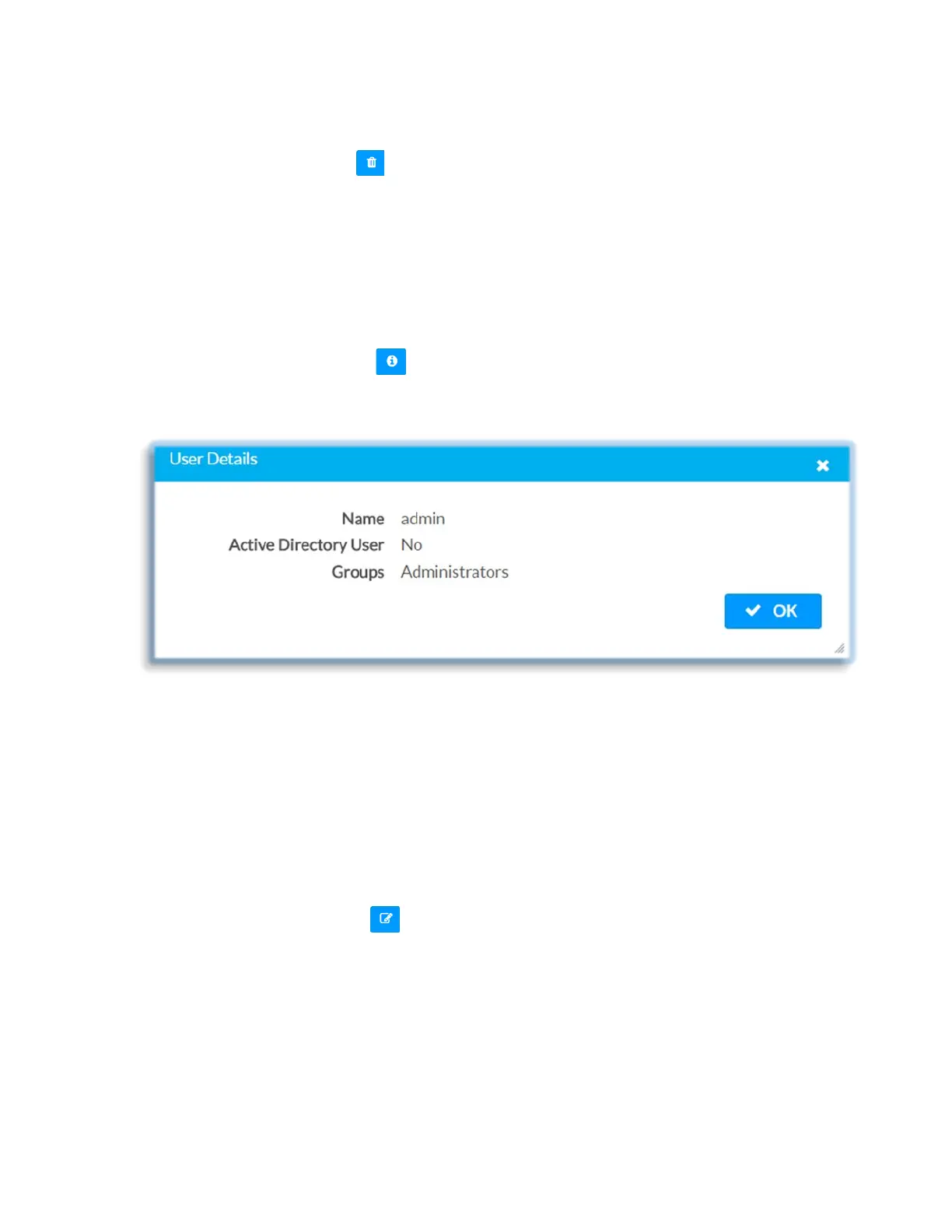
Click the information button ( ) in the Actions column to view information for the
selected user. The User Details dialog displays the following information for the selected
user:
• Name: Displays the name of the selected user
• Active Directory User: Displays whether the user is an Active Directory user
• Group: Displays the applicable group(s) for the selected user
Click OK to close the User Details dialog and to return to the Authentication
Management Users tab.
Update User Details
Click the information button ( ) in the Actions column to update information for the
selected user.
45 • DM-NVX-E30(C)



 To Next Page