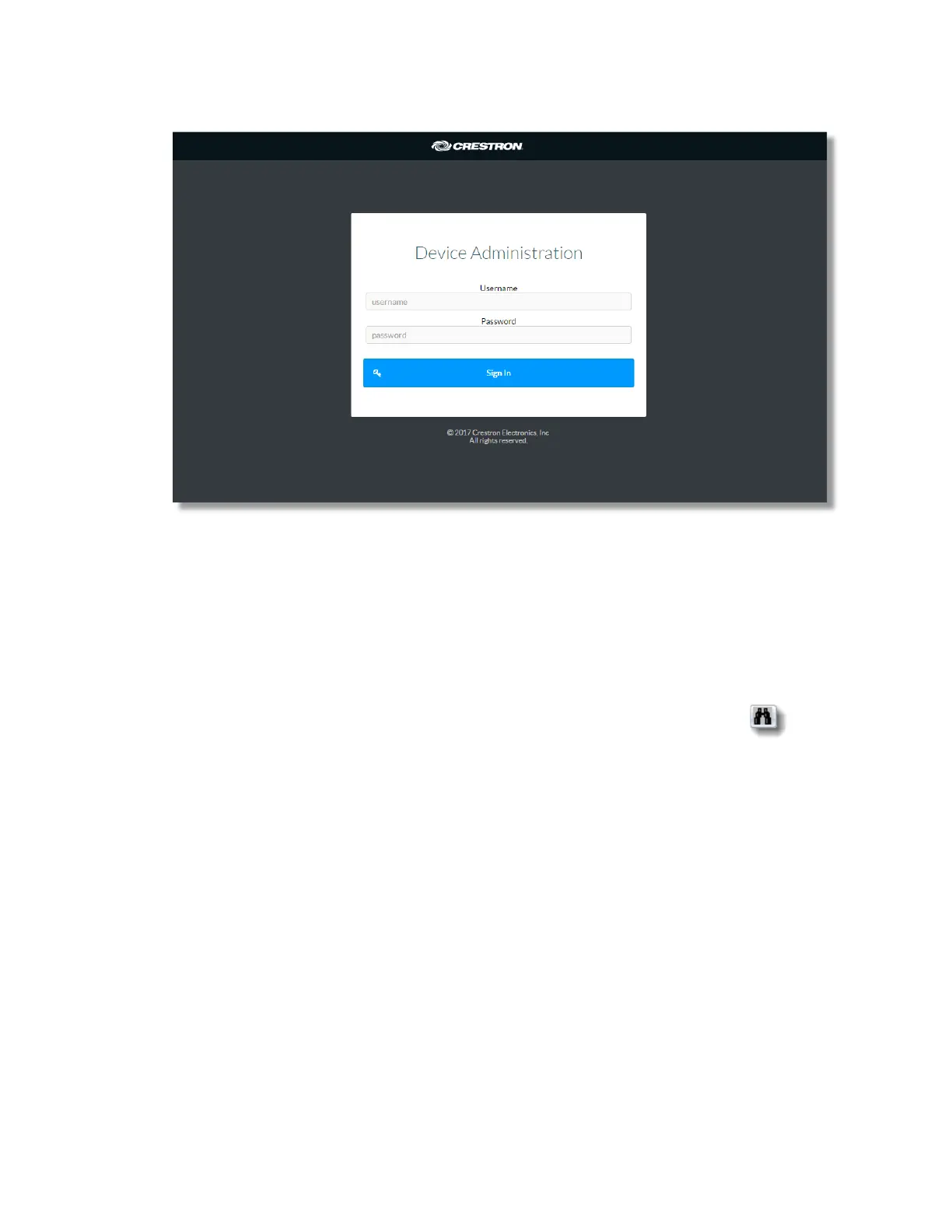
5. Click Sign In.
Opening a Web Browser from within the Crestron Toolbox™ Application
To access the user interface by opening a web browser within the Crestron Toolbox™
application, do the following:
1. Open the Crestron Toolbox™ application.
2. From the Tools menu, select Device Discovery Tool. You can also access the
Device Discovery Tool by clicking the Device Discovery Tool button in the
toolbar of Crestron Toolbox.
NOTE: The security software running on the computer may send a program alert
that there was an attempt of the Crestron Toolbox application to connect to the
network. Allow the connection, so that the Device Discovery Tool can be used.
The DM-NVX-E30(C) is discovered and is listed in the device list on the left-hand
side of the screen. The associated host name, IP address, and firmware version are
also displayed.
3. In the Device Discovery Tool list, double-click on your DM-NVX-E30(C) device
4. Enter your credentials in the Authentication dialog that opens and click 'Log In'
5 • DM-NVX-E30(C)



 To Next Page