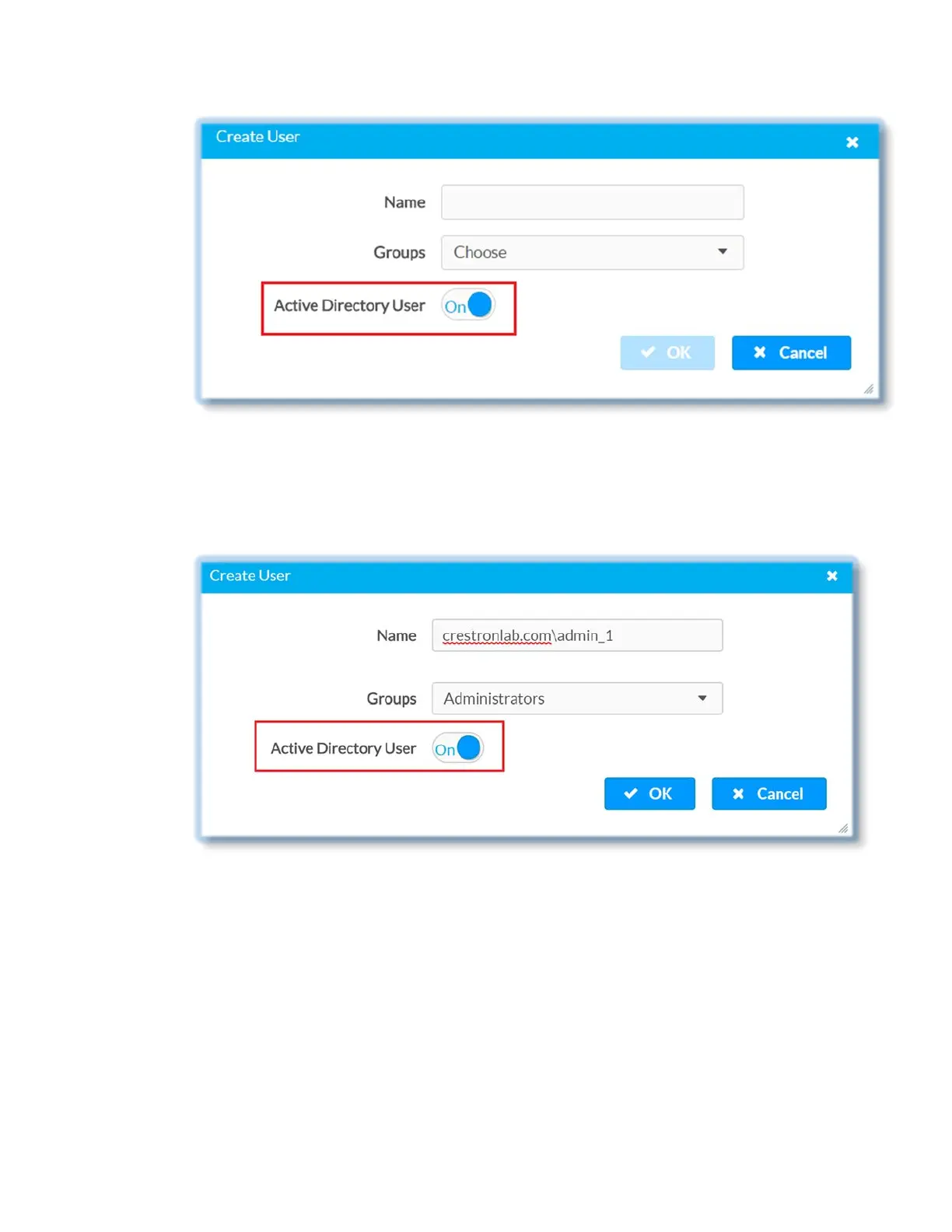
5. Enter the name of the user in the Name text field using the following format
“Domain name\username”, for example “crestronlab.com\admin_1”
6. Select Administrators in the Groups drop-down list, so that the Active Directory
user will have administrator privileges
7. Log in to DM-NVX-E30(C) using Active Directory user credentials i.e
“crestronlab.com\admin_1”
To log in as Active Directory Group User
Pre-requisites:
• Active Directory Users & Active Directory Groups are already created on AD server.
• Active Directory users are assigned to specific Active Directory Groups, for
example: Active Directory Group : Engineering_Group, Active Directory User :
user1
8 • DM-NVX-E30(C)



 To Next Page