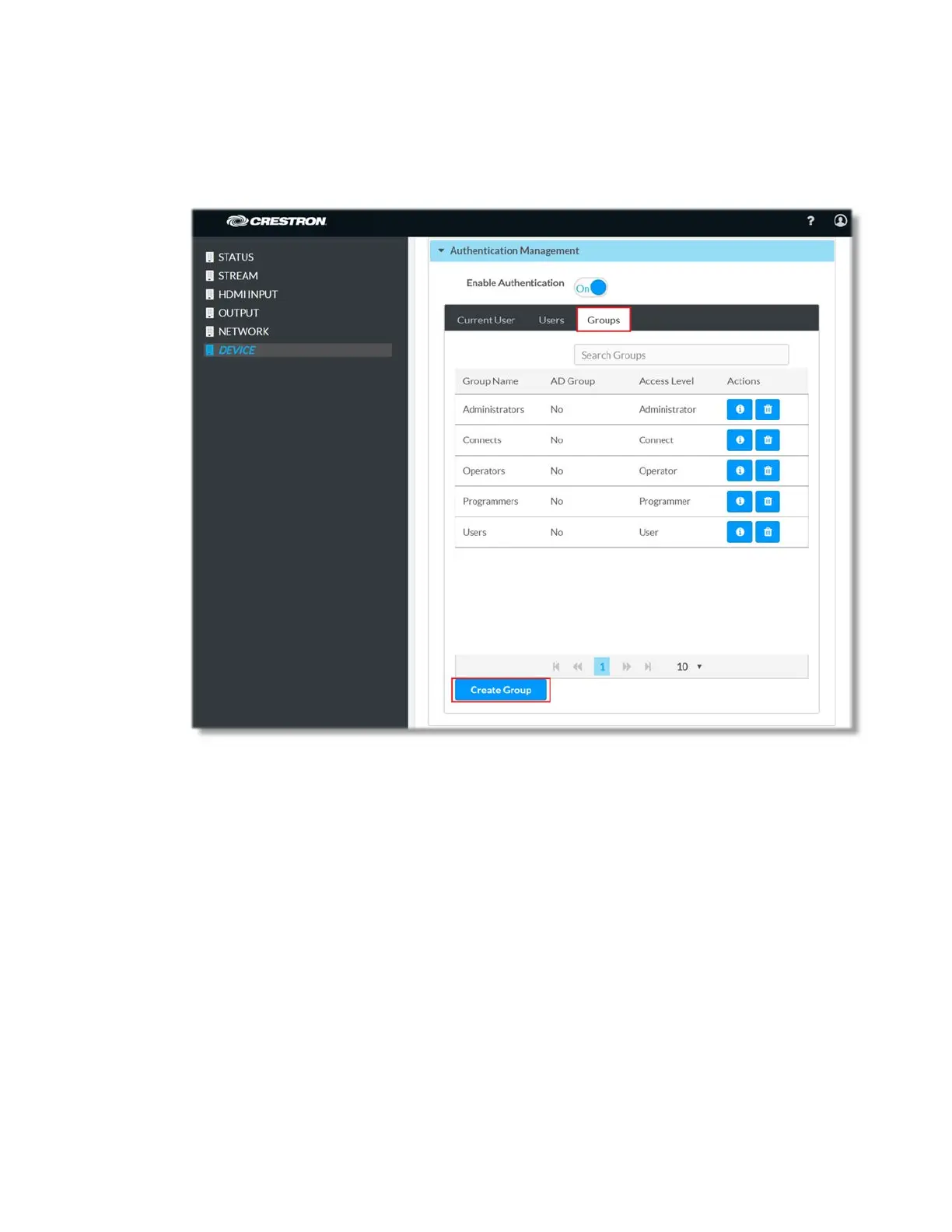
1. Log in to DM-NVX-E30(C)
2. Navigate to the Device page, click on Authentication Management and select
the Groups tab
3. Click on Create Group button
4. In Create Group dialog, set the for Active Directory Group slider to “ON”
5. Enter the name (case sensitive) of the Active Directory group in the Name text
field
6. Select “Administrators” from the Access Level drop-down list so that the Active
Directory group will have administrator privileges
9 • DM-NVX-E30(C)



 To Next Page