2 • DM-TX-201-C Supplemental Guide — Doc. 6958E
Physical Description
The following sections provide information about the connectors, controls, and indicators
that are available on the top, front, and rear of the DM-TX-201-C.
Top View
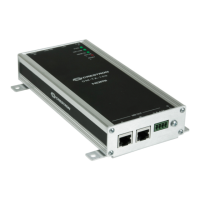
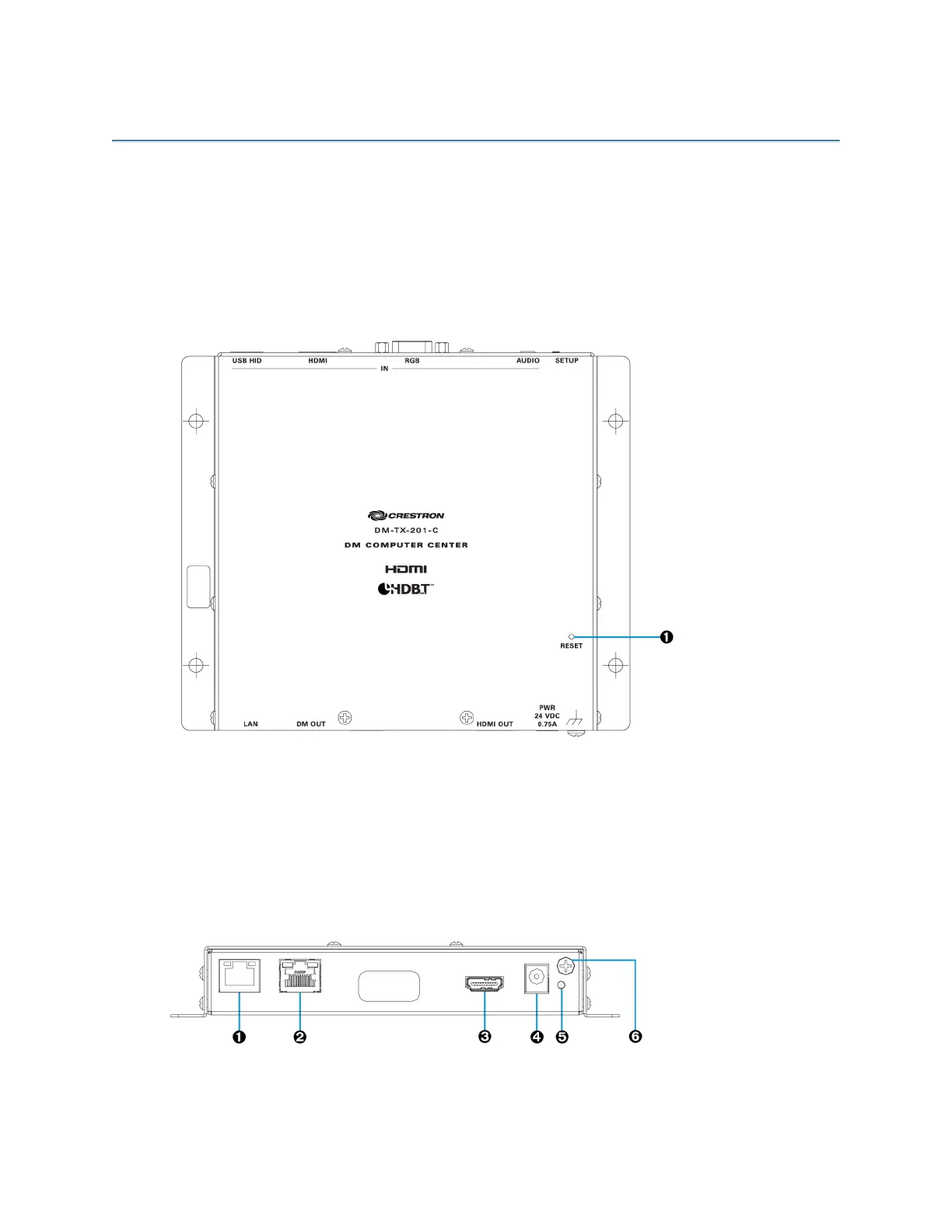
The following illustration shows the top of the DM-TX-201-C.
Top View
Ê
RESET: Recessed push button for hardware reset
Front View
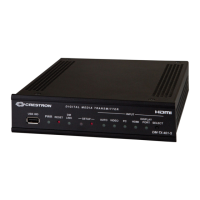
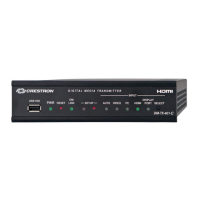
The following illustration shows the front of the DM-TX-201-C.
Front View



 To Next Page
 Loading...