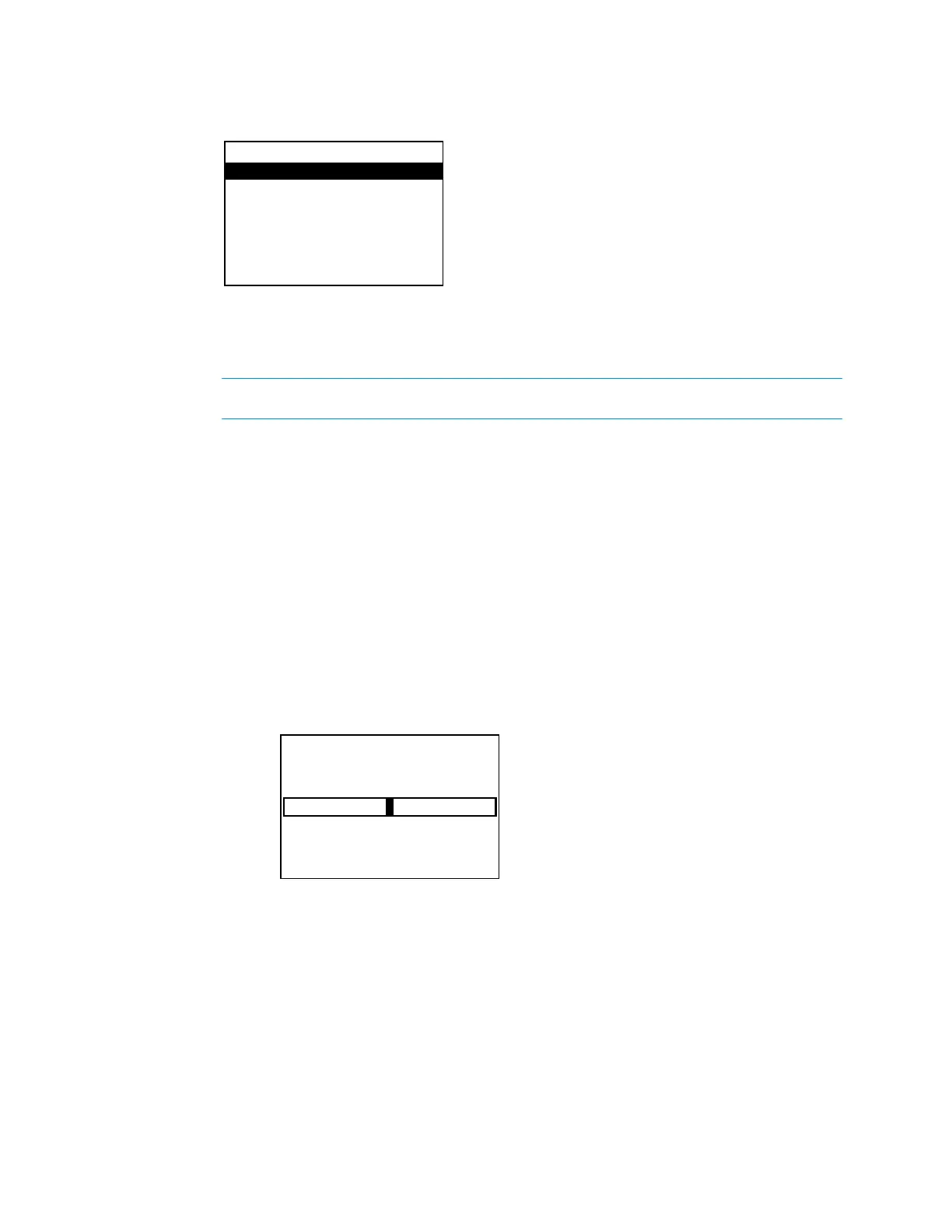
The mute function for the downmix output is set from the
menu.
While the theater output can be muted with the
button, the downmix output
can only be muted with this method or a control system program.
Perform the following to mute or unmute the downmix output:
1. Open the
menu as described in “Downmix” on page 20.
2. Press up or down on the Nav Pad to highlight
or
, and then
press the center button of the Nav Pad. The setting toggles between
and
.
The bass level for the downmix output can be adjusted. Perform the following to adjust the
bass level:
1. Open the
menu as described in “Downmix” on page 20.
2. Press up or down on the Nav Pad to highlight
, and then press the center
button of the Nav Pad. The
screen is displayed.
3. Press left or right on the Nav Pad to adjust the bass level, and then press the center
button of the Nav Pad. The display returns to the previous menu.
To cancel and return to the previous menu, press
.
The treble level for the downmix output can be adjusted. Perform the following to adjust the
treble level:
1. Open the
menu as described in “Downmix” on page 20.
Downmix
Mute: Off
Bass
Treble
Loudness: Off
Supplemental Guide – DOC. 7448E HD(I)-XSPA: 4K UHD Surround Sound AV Receiver • 21


 To Next Page