d. Set each octet until the correct IP address is displayed.
e. To save the IP address and return to the
menu, move the
cursor to the rightmost octet, and then press the center button of the Nav
Pad. To cancel the operation and return to the previous screen, press
.
If any changes were made, the HD-XSPA reboots upon exiting the
menu.
Configure the Front Panel
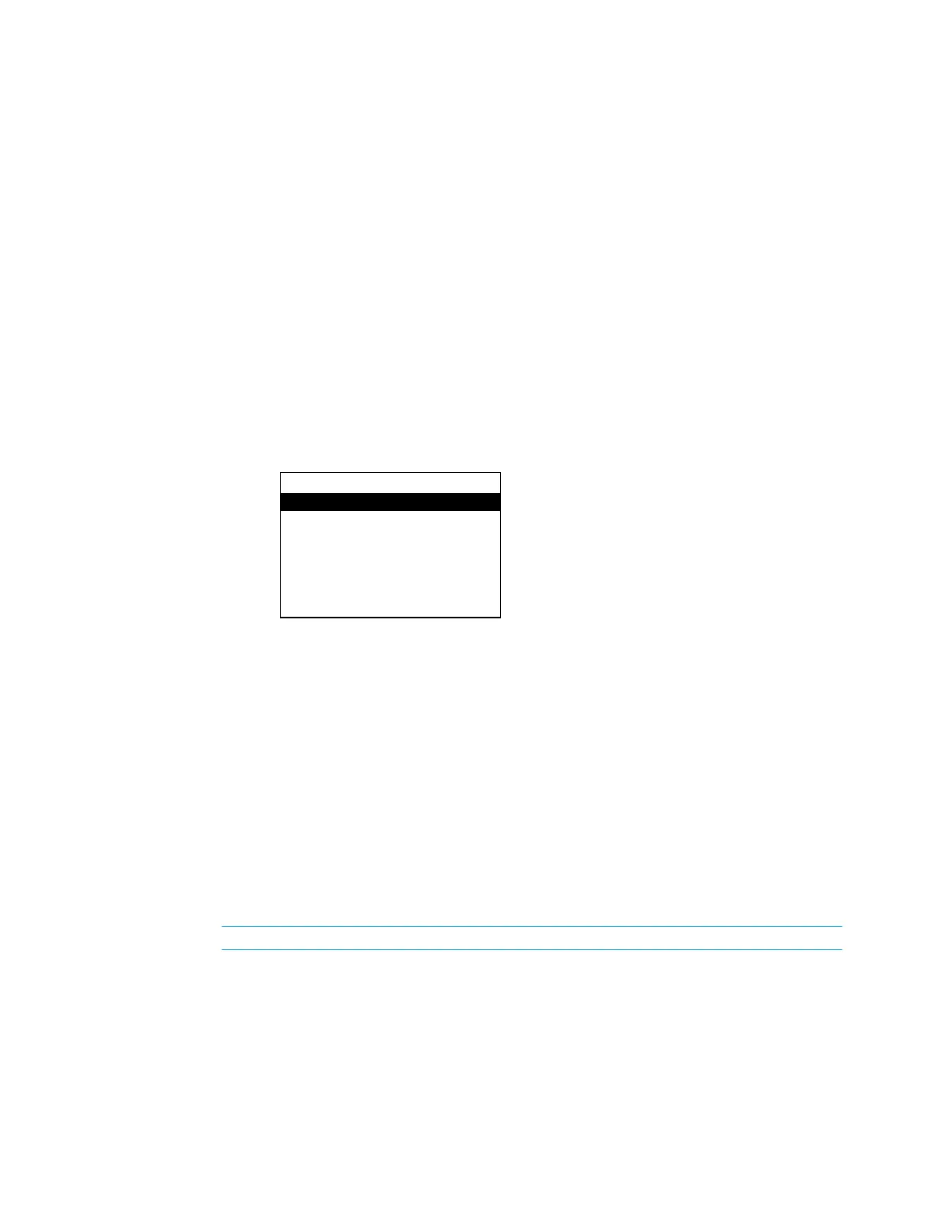
The HD-XSPA’s front panel controls are configured from the
section of the
menu. Perform the following to configure the front panel controls:
1. Open the
menu as described in “Open the Installer Menu” on page 4.
2. Press up or down on the Nav Pad to highlight
, and then press the center
button of the Nav Pad. The
menu is displayed.
3. Press up or down on the Nav Pad to highlight the parameter to be viewed or
configured, and then press the center button of the Nav Pad.
The backlight of the LCD display can be adjusted. Perform the following to adjust the
backlight:
1. Open the
menu as described in “Configure the Front Panel” above.
2. Press up or down on the Nav Pad to highlight
, and then press the center
button of the Nav Pad. The backlight switches between the different lighting levels.
The front panel user controls can be locked or unlocked for operation.
The
menu can still be opened when the front panel is locked.
Perform the following to lock or unlock the front panel controls:
1. Open the
menu as described in “Configure the Front Panel” above.
2. Press up or down on the Nav Pad to highlight
or
, and then press the center button of the Nav Pad. The setting
toggles between
and
.
Control
Backlight
Front Panel Lock: Off
Password
Restore Defaults
Supplemental Guide – DOC. 7448E HD(I)-XSPA: 4K UHD Surround Sound AV Receiver • 15


 To Next Page