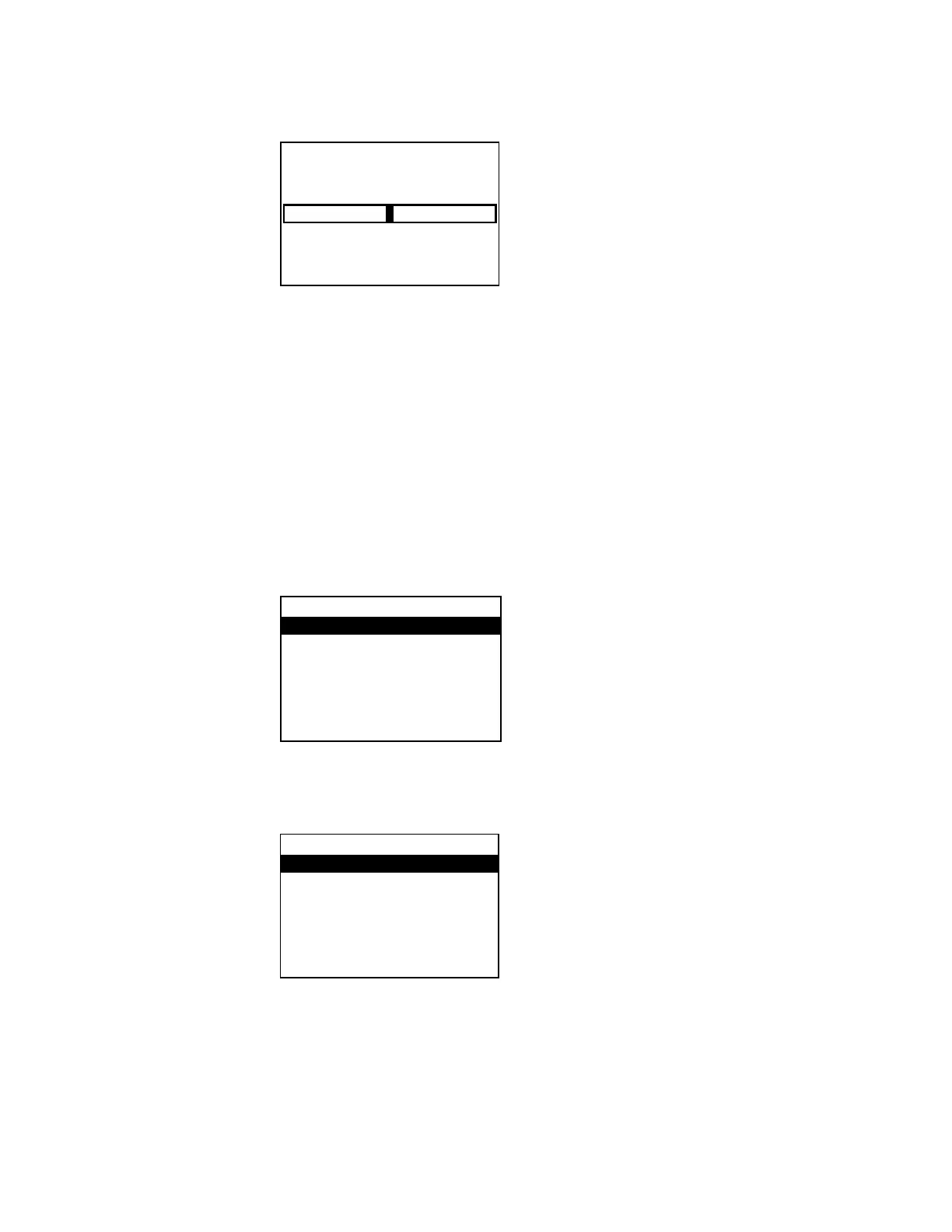
2. Press right or left on the Nav Pad to select the amount of compensation to be
applied, and then press the center button of the Nav Pad. The display returns to the
previous menu.
To cancel and return to the previous menu, press
.
Configure the Outputs
Audio settings for the theater output and downmix output are set from the
section
of the
menu. Perform the following to configure an output:
1. Open the
menu as described in “Open the Installer Menu” on page 4.
2. Press up or down on the Nav Pad to highlight
, and then press the center
button of the Nav Pad. The
menu is displayed.
3. Press up or down on the Nav Pad to highlight the output to be configured, and then
press the center button of the Nav Pad. The selected output’s menu is displayed.
Output Menu (Theater Shown)
Balance (Downmix Output Only)
The balance of the downmix output can be adjusted. Perform the following to adjust the
balance:
1. Select the output to be configured as described in “Configure the Outputs” above.
Compensation
-10dB +10dB
0.0dB
Theater
Min Volume
Max Volume
StartupVolume
StartupVolume: Use
Supplemental Guide – DOC. 7448E HD(I)-XSPA: 4K UHD Surround Sound AV Receiver • 7


 To Next Page