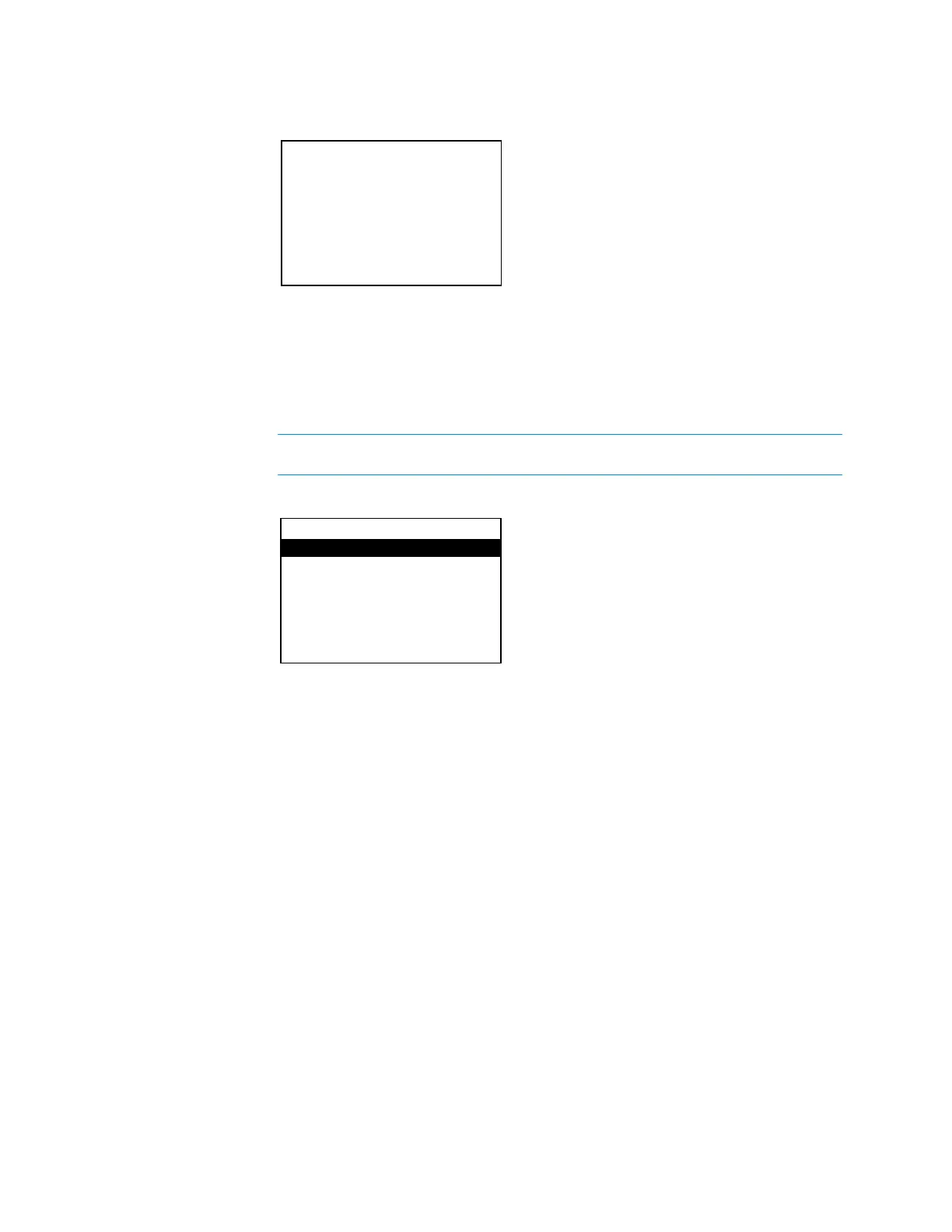
3. Use the Nav Pad to enter the password.
o To select a number, press up or down on the Nav Pad.
o To move the cursor left or right, press left or right on the Nav Pad.
When the password is displayed, move the cursor to the rightmost digit, and then
press the center button of the Nav Pad. The
menu is displayed.
The default password is 0000. For instructions on changing the password,
refer to “Password” on page 16.
The
menu is divided into four sections:
•
sets the name and compensation level of each input.
•
sets the audio parameters for the theater and downmix outputs.
•
configures and displays the HD-XSPA’s Ethernet settings.
•
configures and displays the HD-XSPA’s front panel settings.
To exit the
menu, press
.
Configure the Inputs
The name and compensation level for each input are set from the
section of the
menu. Perform the following to configure an input:
1. Open the
menu as described in “Open the Installer Menu” on page 4.
2. Press up or down on the Nav Pad to highlight
, and then press the center
button of the Nav Pad. The
menu is displayed.
Installer
Inputs
Outputs
Network
Control
Supplemental Guide – DOC. 7448E HD(I)-XSPA: 4K UHD Surround Sound AV Receiver • 5


 To Next Page