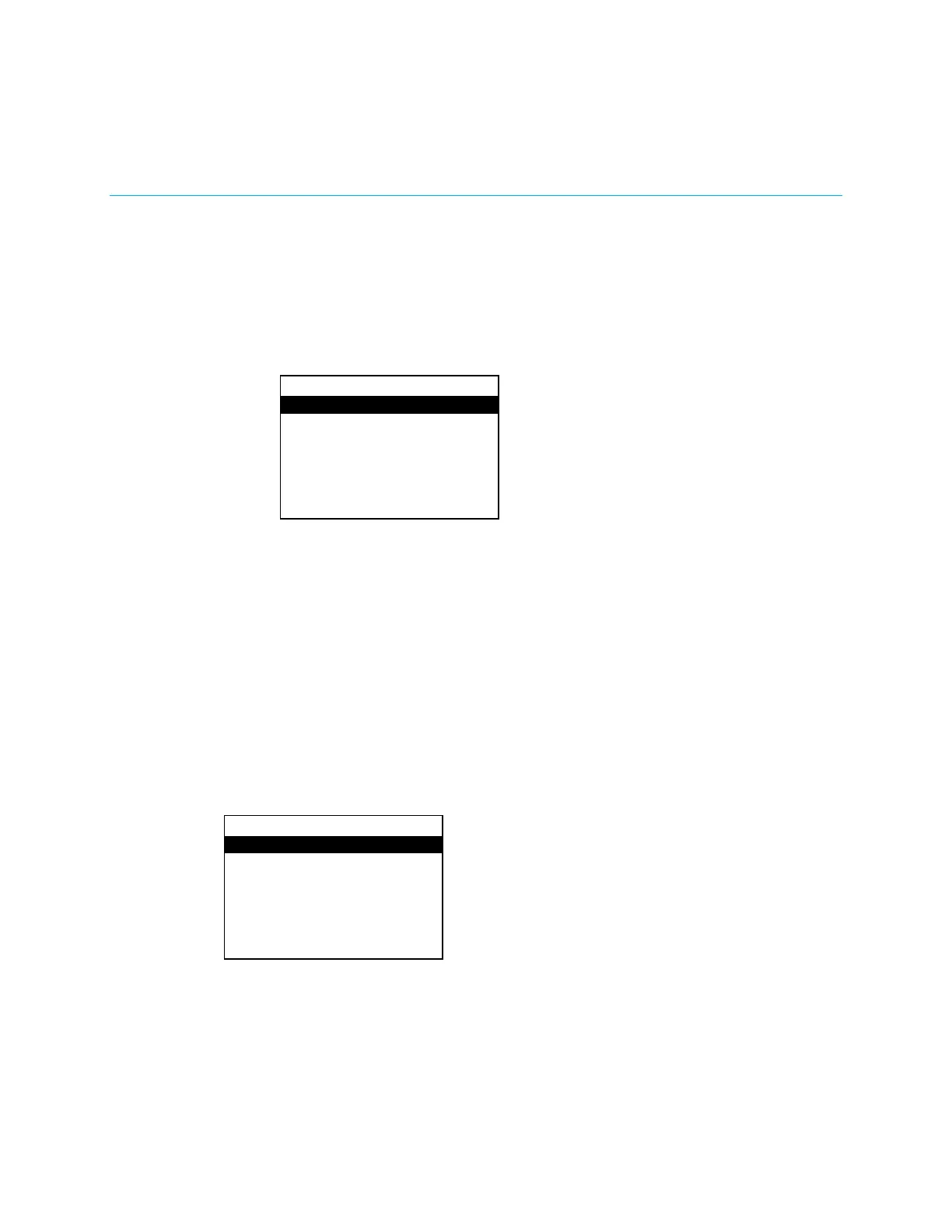
To cancel at any point, press up or down on the Nav Pad to highlight
, and then
press the center button of the Nav Pad.
Operation
Controls for the theater output, downmix output, and display are available from the
menu. Perform the following to display the
menu:
1. Press
.
2. Press the center button of the Nav Pad. The
menu is displayed.
Source
To select a source and decoding mode, press up or down on the Nav Pad to highlight
, and then press the center button of the Nav Pad. The
menu is
displayed.
Theater
The
section of the
menu provides controls for managing the audio
settings for the theater output. To open the
menu, press up or down on the Nav
Pad to highlight
, and then press the center button of the Nav Pad. The
menu is displayed.
The bass level for the theater output can be adjusted. Perform the following to adjust the
bass level:
1. Open the
menu as described in “Theater” above.
HD-XSPA
Source
Theater
Downmix
Display Off
Theater
Bass
Treble
DRC
Loudness: Off
Supplemental Guide – DOC. 7448E HD(I)-XSPA: 4K UHD Surround Sound AV Receiver • 17


 To Next Page