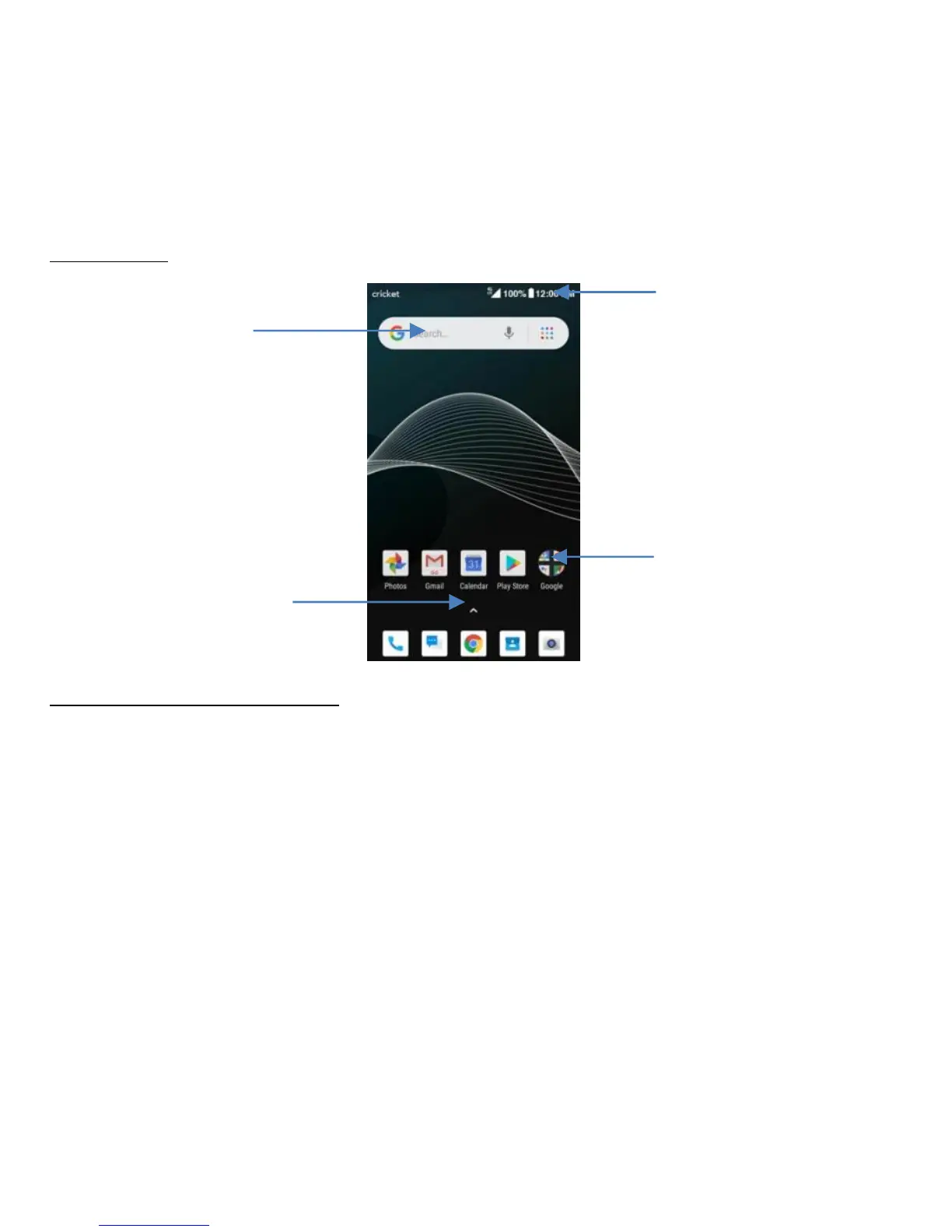
Home Screen
Basic Layout
Customizing your home screen
The Home screen displays widgets, favorite apps, and more. To view other panels,
swipe to the left or right if other panels available.
On the Home screen, tap and hold an empty area to access the available options
including WALLPAPERS, WIDEGETS and HOME SETTINGS.
• To add an app, tap and hold it from the Apps screen, and then drag it to the
Home screen. To add widgets, tap and hold an empty area on the Home screen,
tap WIDGETS, tap and hold a widget, and then drag it to the Home screen.
• To move an app, tap and hold an item on the Home screen, and then drag it to a



 To Next Page