Editing text
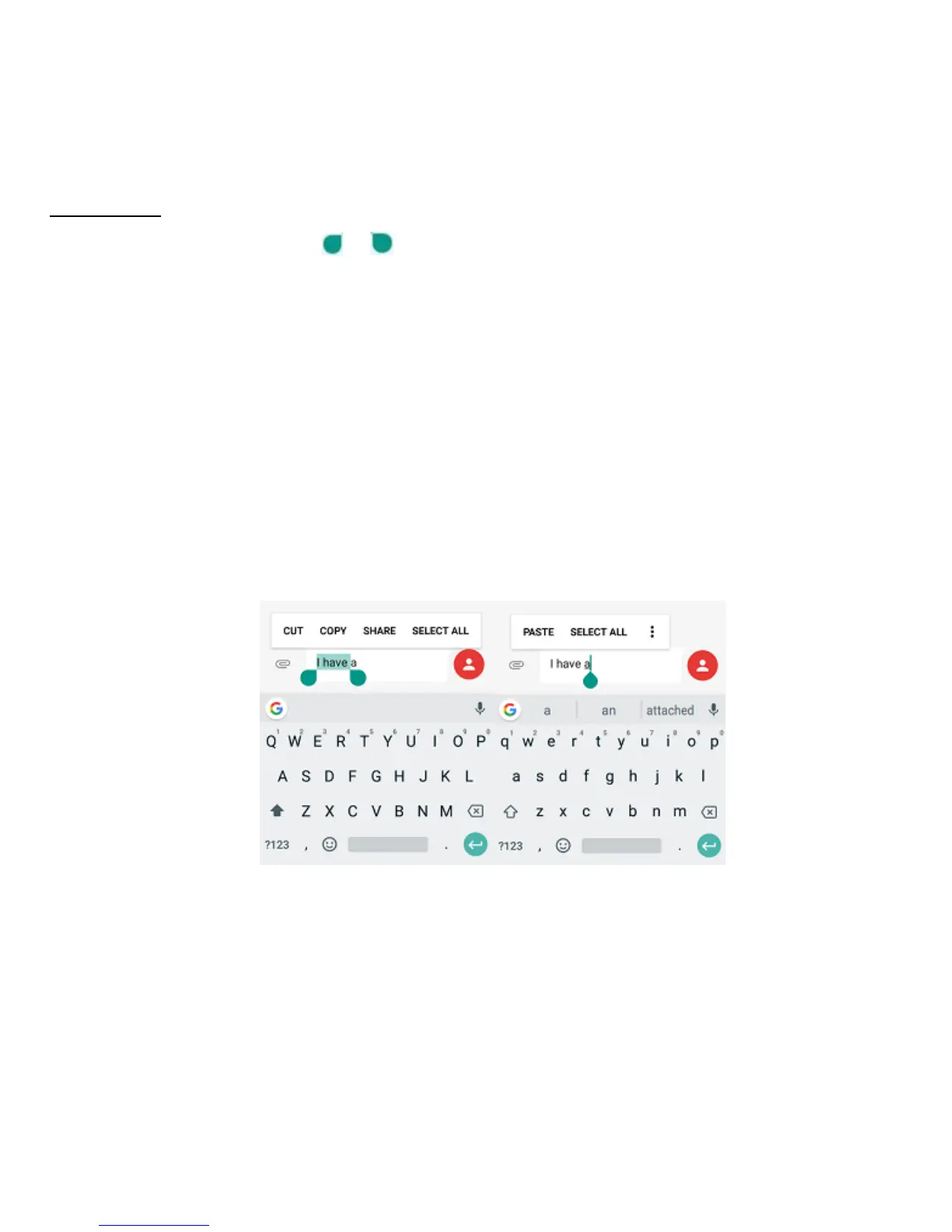
Tap and hold over text. Drag or to select the desired text. You can use the
shortcuts that appear on the top of the text to quickly edit the text.
• CUT: Cut selected text.
• COPY: Copy selected text.
• SHARE: Share selected text.
• PASTE: Replace text with the text you previously cut or copied.
• SELECT ALL: Select all text.
Taking Screenshots
1. Focus on the image displayed on your phone screen.
2. Press and hold the Power key and Volume down key at the same time.



 To Next Page