displayed). Using the phone to play games or perform other activities during
the charging process may cause the phone to power off due to low battery.
• The battery will gradually discharge if it is left unused for a long period of
time. Before using the battery again, you must recharge it in order to power
on and use your phone normally.
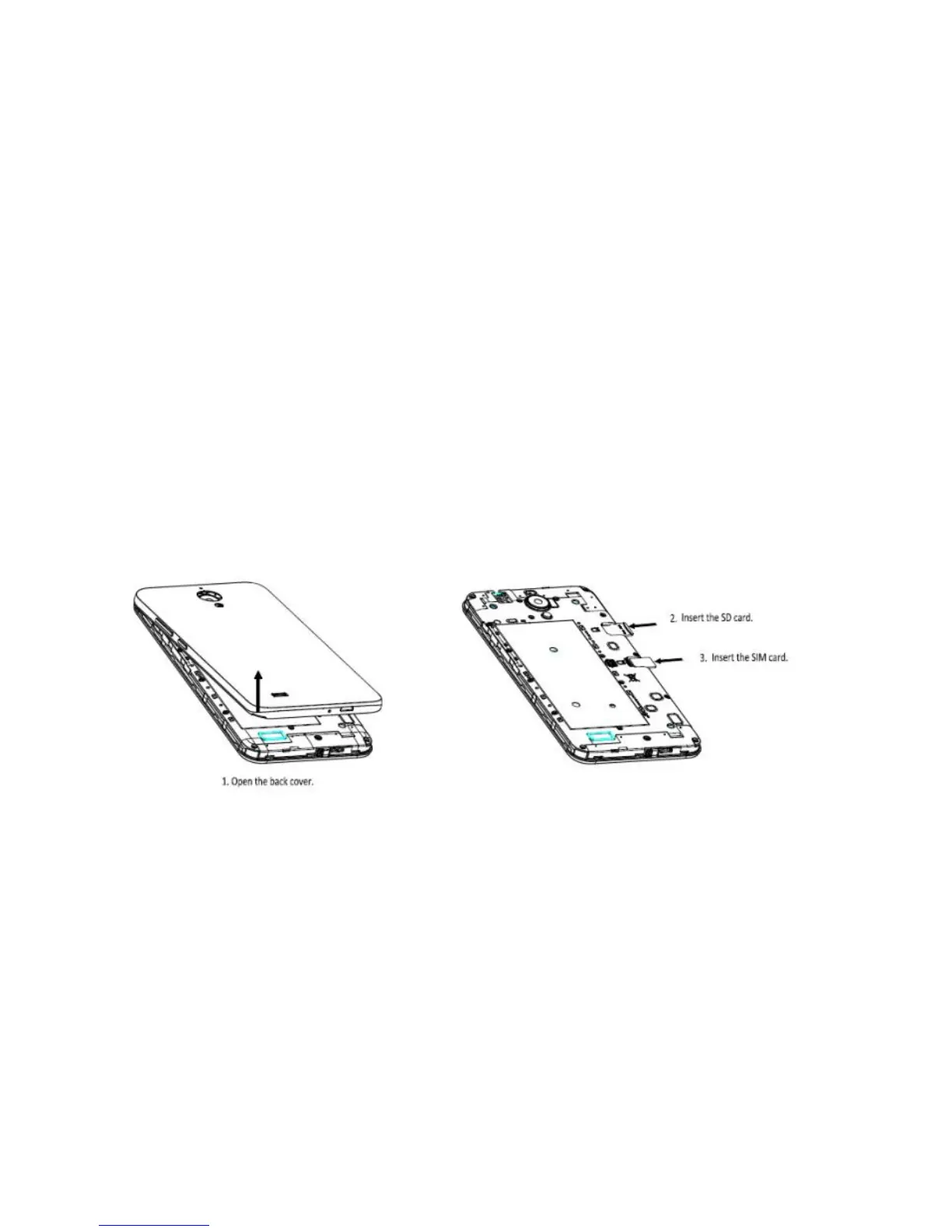
SIM Card and microSD Card
Power On & Off, Reboot and Airplane mode
The Power key is located on the right-hand side of your phone.
• Power on: When the phone is off, press and hold the Power key for a few seconds
to turn on the phone.
• Power off: When the phone is on, press and hold the Power key until the options
pop up. Select Power off to turn off the phone.



 To Next Page