Entering Text
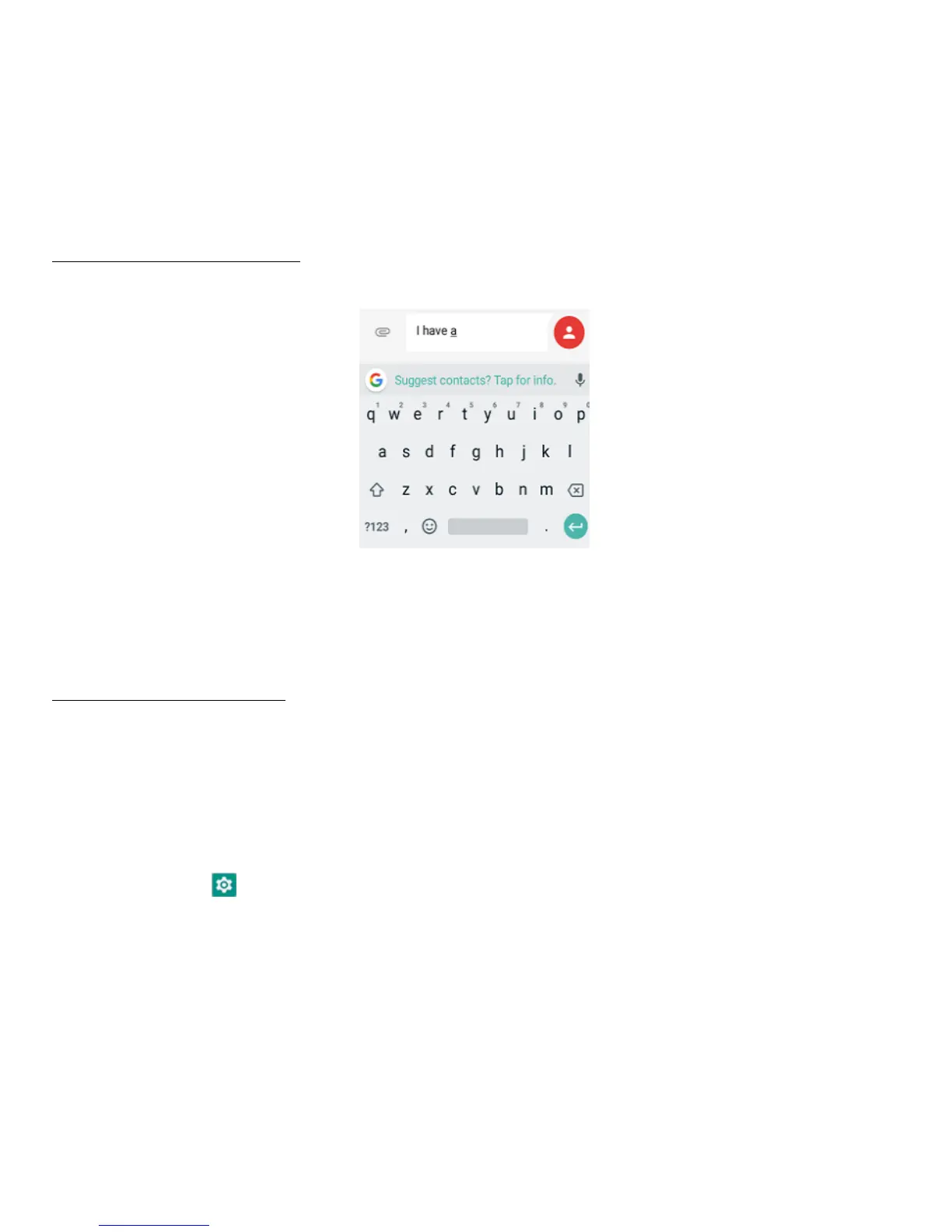
Using the text input panel
The input panel can be used to enter text. Tap the Back key to hide the input panel.
Tap the text input area to open the input panel.
Switching input methods
Your phone comes with two text-input methods. You can choose one of them to input
text.
1. To change your phone's default input method, swipe up the screen in home
screen, tap to enter the Settings screen.
2. Tap System > Languages & input > Virtual keyboard, and then select an input
method.
• Gboard



 To Next Page