Clock
On the Home screen, tap to enter Clock screen. You can set alarms, check the
current time in many cities around the world, set a specific duration or time an event.
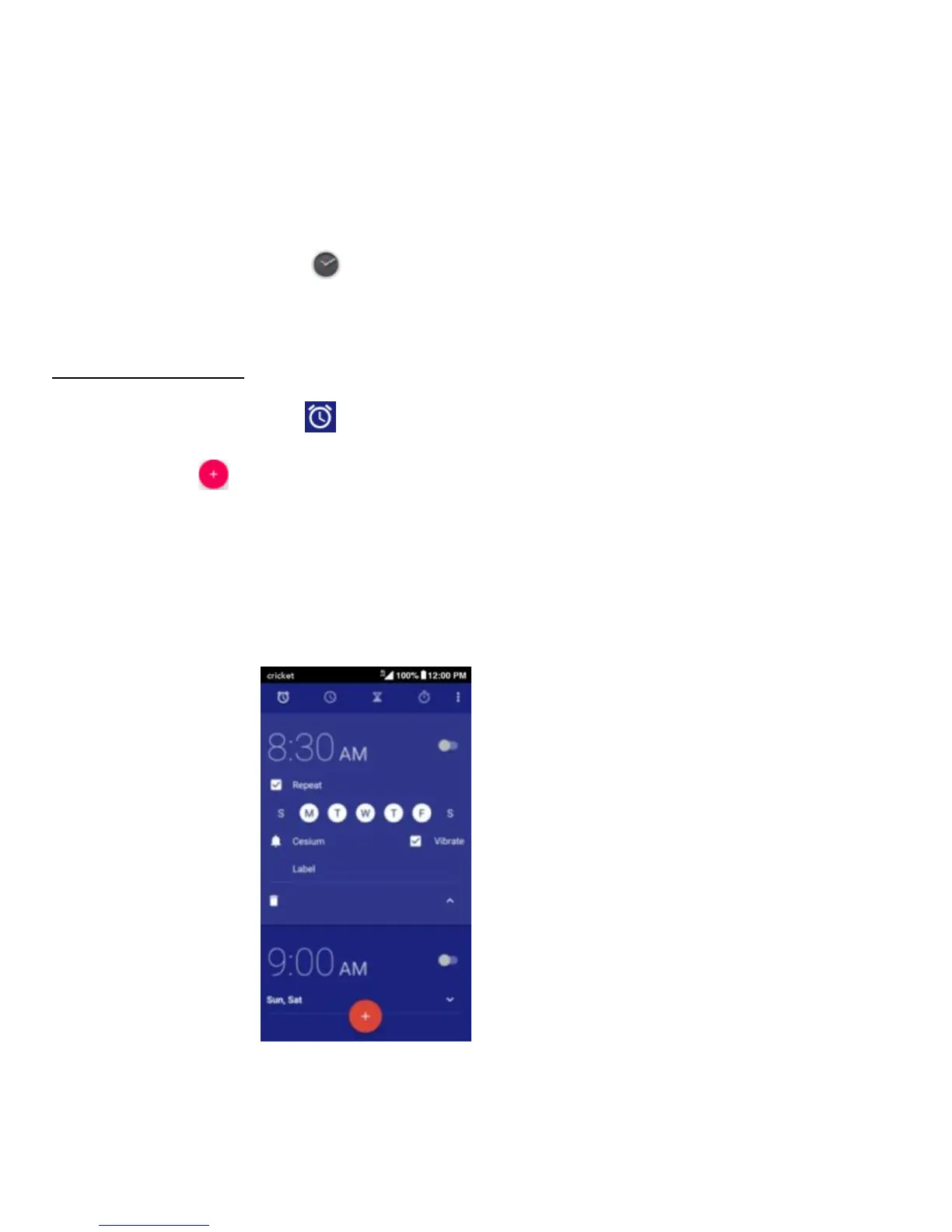
Operating the alarm
On the Clock screen, tap to switch to the Alarm tab.
• Tap and change the time displayed to set your alarm.
• Once your alarm is set, you may add a label to it.
• Tap the Vibrate check box and choose your ringtone from the Cesium
pop-up screen.



 To Next Page