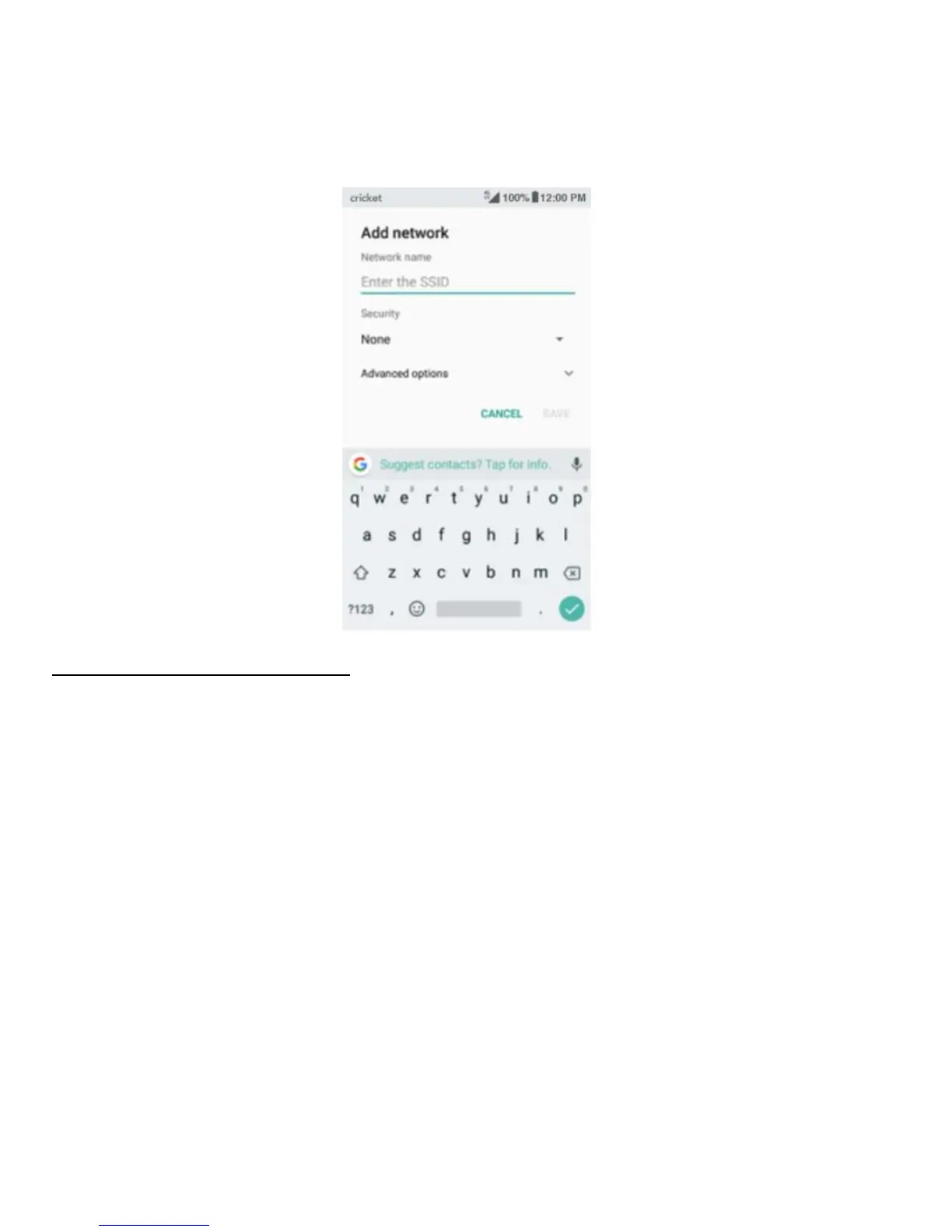
Setting Advanced Wi-Fi Options
1. Swipe down to the bottom of the screen and tap Wi-Fi preferences.
2. You will not be notified whenever a public network is available. If you want to be
notified, drag the slider for Network notification to the right.
Note: To save your phone’s data usage, your phone will remain connected to Wi-Fi
when your screen sleeps.



 To Next Page