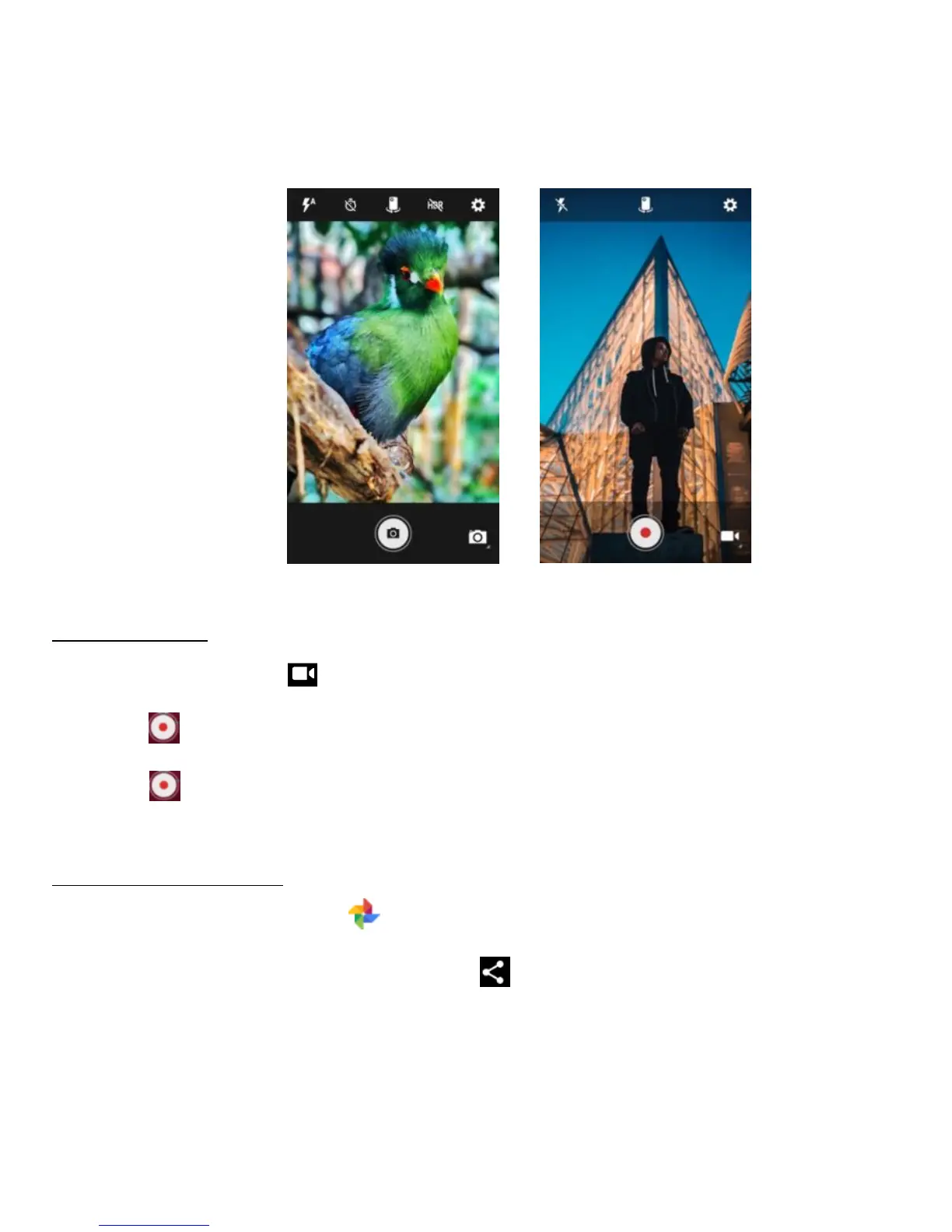
Creating a video
1. Tap the video icon to activate the Video mode.
2. Tap to start recording a video.
3. Tap to stop and save when you finish recording.
Sharing a video or photo
1. On the Home screen, tap to enter the Photos screen.
2. Select a video or photo and tap share .
3. From the pop-up screen, select your desired sharing method.



 To Next Page