EasyManua.ls Logo

Crow PowerWave 8 - Page 21

Crow PowerWave 8
22 pages
Print Icon
To Next Page IconTo Next Page
To Previous Page IconTo Previous Page
Loading...
21
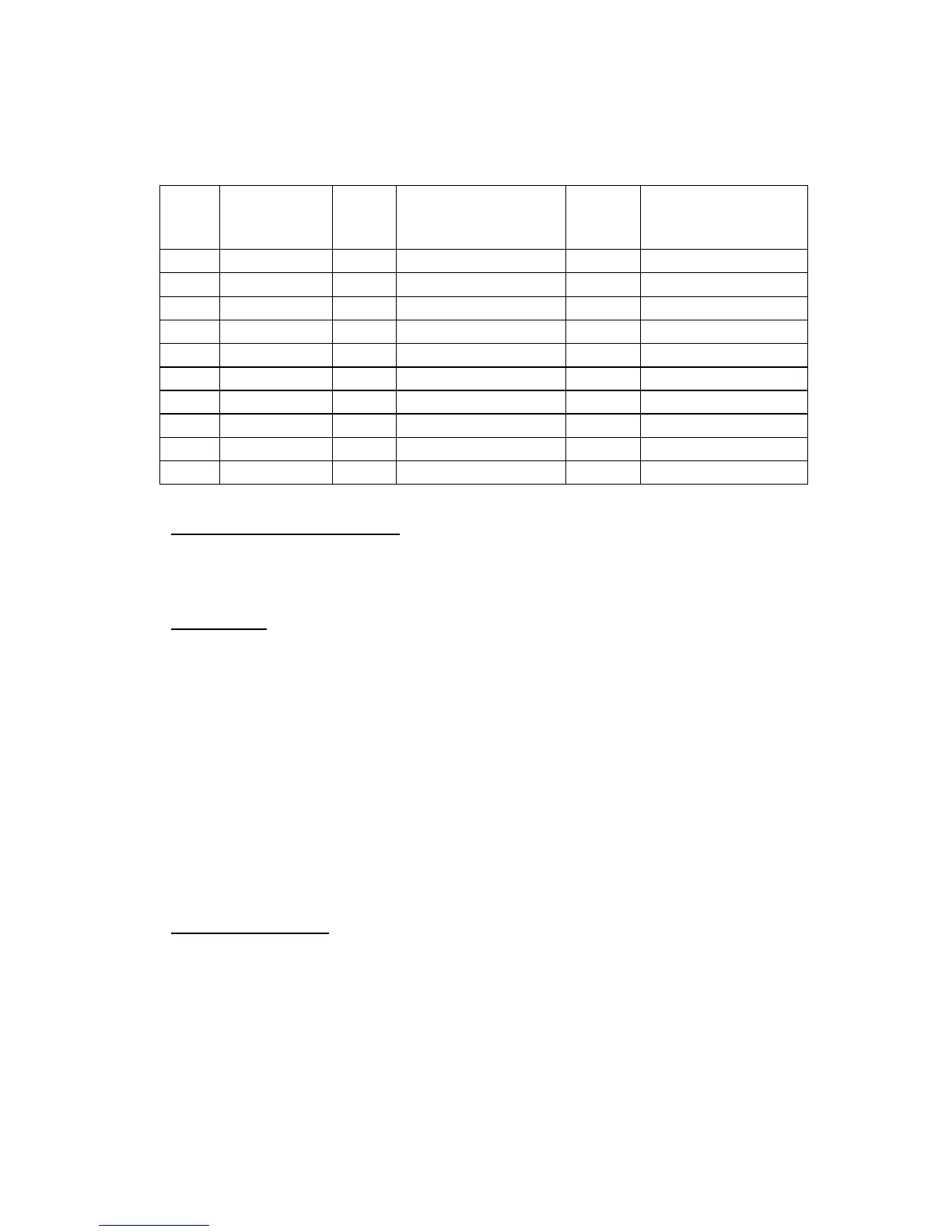
Use the following form to record your changes and customizations.
User
Name Output
Device
Designation
Zone Zone Name
1
1
1
2
2
2
3
3
3
4
4
4
5
5
5
6
6
6
7
7
7
8
8
8
9
10
COMMUNICATION OPTIONS:
Monitored o Domestic o Speech o
SERVICING:
Can your system be serviced by another technician? Yes o No o
If yes, Installer Code ____________
INSTALLATION COMPANY DETAILS:
Company ____________________________________________________
Technician ____________________________ Phone ________________________
Installation Date _______________
SERVICING NOTES:


Other manuals for Crow PowerWave 8

Related product manuals