EasyManua.ls Logo

Crow PowerWave 8 - Page 8

Crow PowerWave 8
22 pages
Print Icon
To Next Page IconTo Next Page
To Previous Page IconTo Previous Page
Loading...
8
C
ENTER
Arm Stay
C
STAY
Initiates partial
alarm when the
user is home
Disarm
Stay
C
C O D E
C
ENTER
Disarms the
system
Disarm
Stay
C
STAY
Disarms the
system
Bypass
C
BYPASS
C
Zone #
C
ENTER
Bypasses a
zone(s)
Repeats the procedure to
un-bypass zones
Initiate
Panic
C
PANIC
Activates panic
alert
Initiate
Panic
C
1
+
3
Activates
emergency alert
Only if enabled by
installer
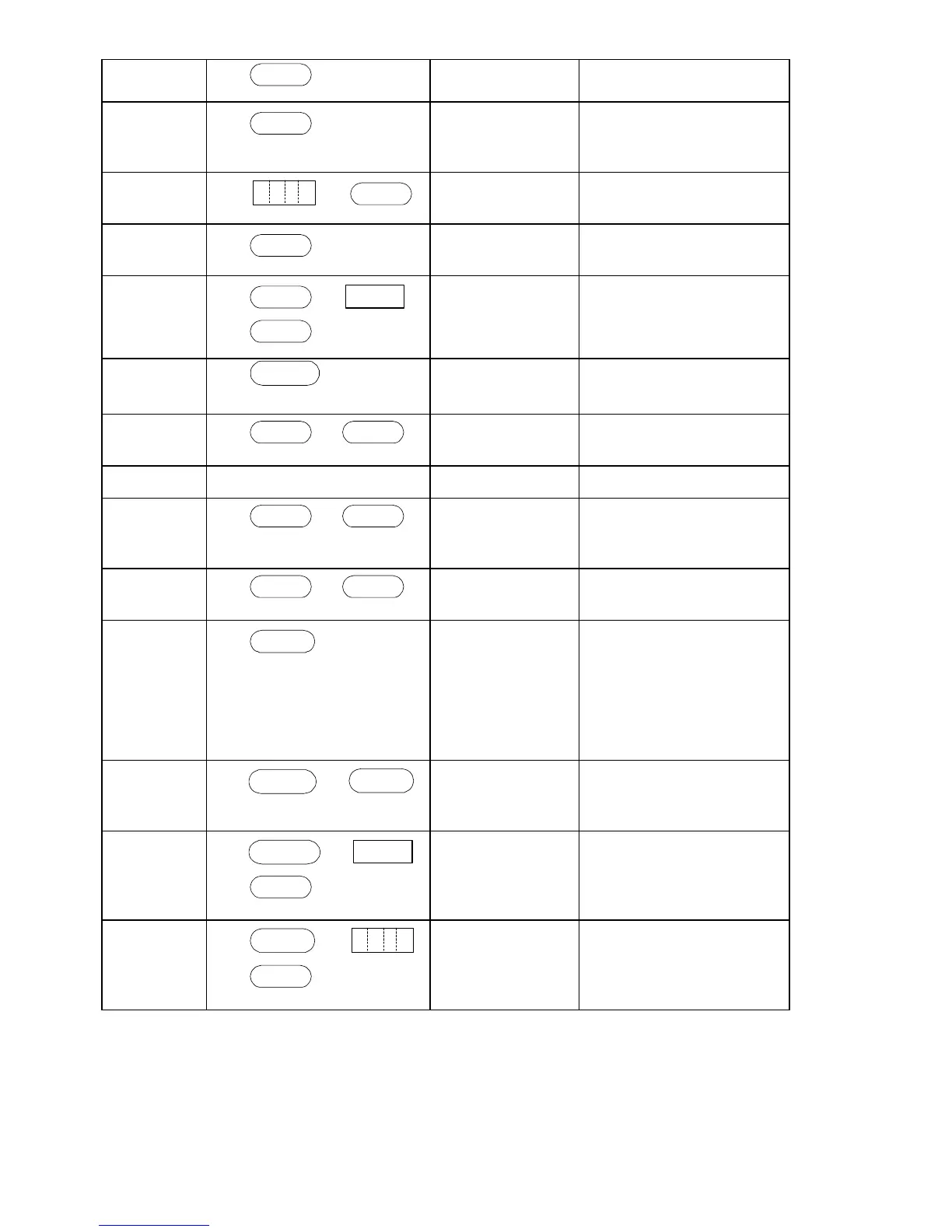
Function Keys Description Notes
Initiate
Medical
C
7
+
9
Activates
emergency alert
Only if enabled by
installer
Initiate Fire
Alarm
C
4
+
6
Activates
emergency alert
Only if enabled by
installer
Memory
C
MEMORY
Initiates display
of events from
memory.
<ENTER>
cancels memory
readout
Displays events, and
automatically scrolls to
the next event every 2.5
sec.
(Use <MEMORY> key to
scroll up manually)
Chime
Enable/dis
able
C
CONTROL
C
PROGRAM
Enable or
disable chime
function
Only if enabled by
installer
Control
C
CONTROL
C
Device#
C
ENTER
Activates or
deactivates
outputs and
devices
Press <Control> for 2
seconds
Change or
Add Users'
code
C
PROGRAM
C
M CODE
C
ENTER
Activates
program mode to
add or change
Users' codes
For details see
page 12
Note: If you started an operation incorrectly, press <ENTER> to exit and
return to the previous mode.

Other manuals for Crow PowerWave 8

Related product manuals