ENGLISH
11. CONTROL PANEL DISPLAY
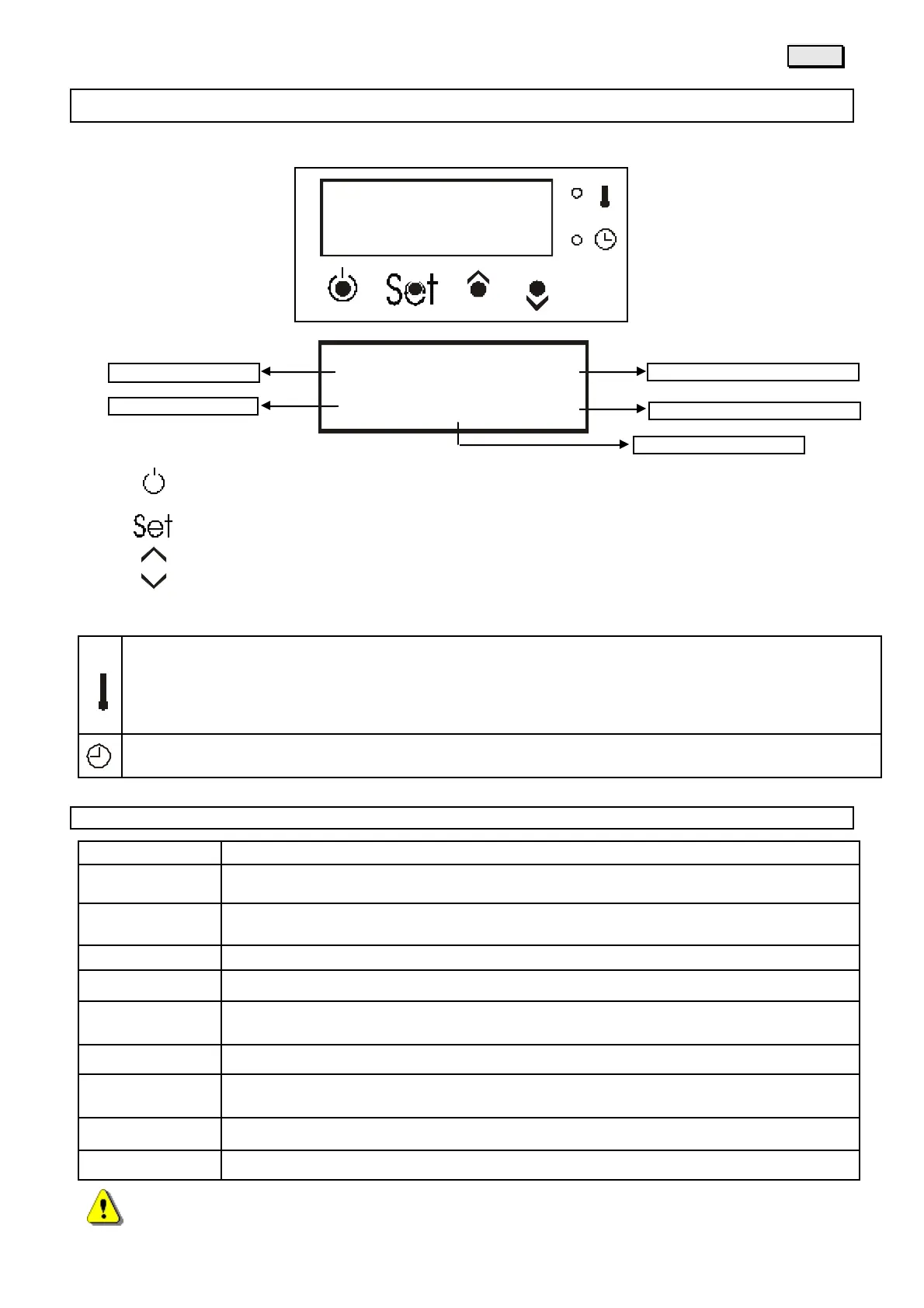
DESCRIPTION OF DISPLAY BUTTONS
Key - turns the stove on and off in manual mode (holding it for 2 seconds), eliminates alarms and exits
programming
Key - changes the screen and confirms set data
Key - key for increasing values being set
Key - key for decreasing values being set
MEANING OF LED LIGHTS
When the led if "permanently" on it means that once the set room temperature has been reached it will stay on at
the lowest setting.
The "blinking" led communicates that once the set room temperature has been reached the stove will turn off.
When the led is turned off it mean the set room temperature has been reached.
When the led is turned on it means that hourly programming for automatic operation has been set.
12. OPERATIONAL PHASES
DISPLAY MEANING
Clean.
Pre-ventilation and safety controls phase, with fire pot cleaning before loading fuel.
Charged
Start-up phase with fuel load in the burner while supplying power to the resistors at the
same time.
Pause
Pause while awaiting flame.
St. Fire
Waiting phase during which the start-up must take place.
Stabil.
Stabilization phase, after the flame has started, with a medium size load of fuel.
Fire
Burner operational adjustment phase where power can varies from 1 to 6
Turn off
Timed turn off phase associated to an interruption in the fuel for fire pot cleaning and
waiting for the flame to be totally extinguished.
Off
Turned off status until there is an following request for heat
Stand by
Turn off because room temperature has been reached
IN CASE OF AN ALARM, WAIT FOR THE END OF THE TURNING OFF PHASE
Room temperature recorded
Room temperature requested



 To Next Page