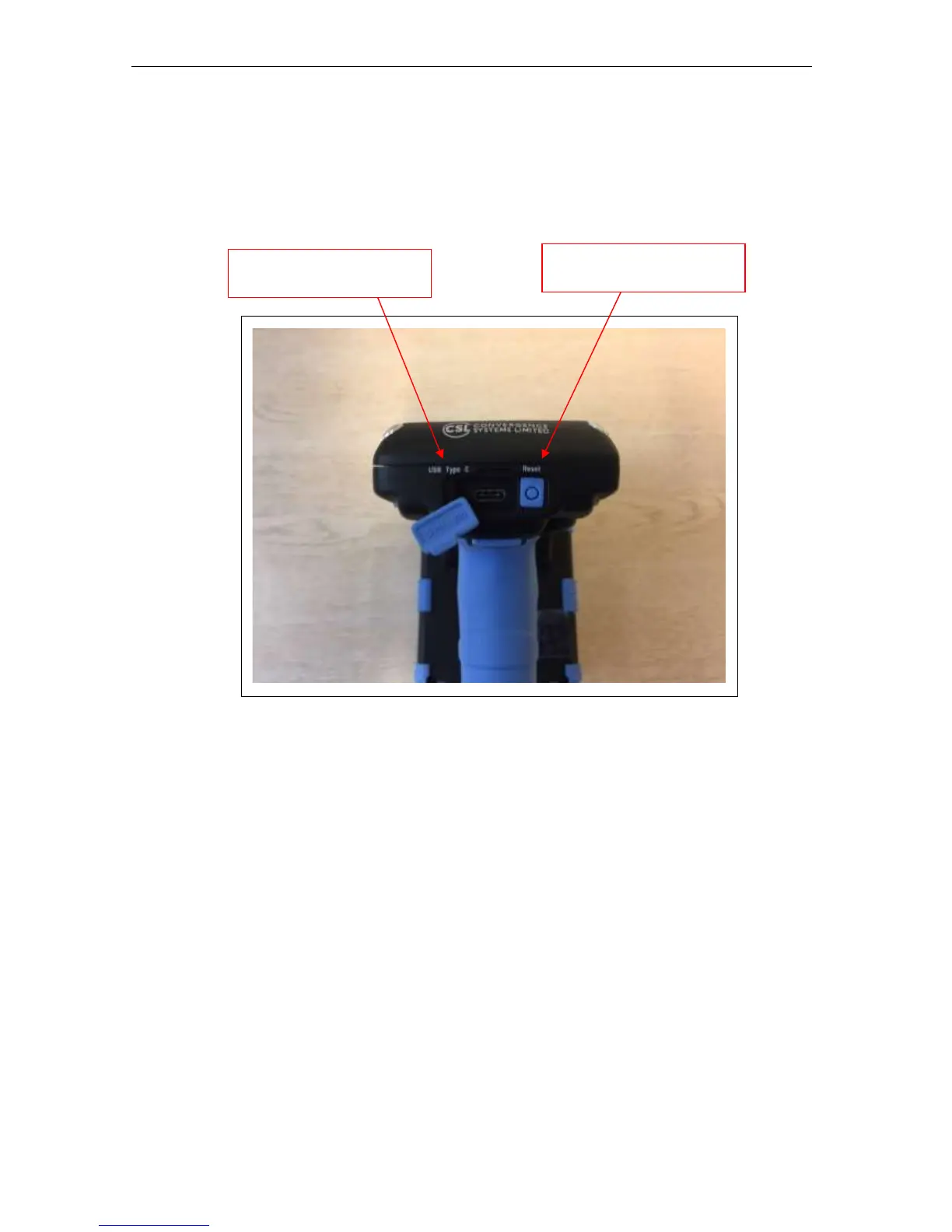
Below is the rear view of the CS108 reader. Here the USB Type C socket is on the left,
allowing the user to connect the CS108 to a PC for control, or to a USB power source to
recharge the battery inside the CS108. On the right side is the Reset button, at this time it has
not been activated to cause a factory reset on the unit.
Figure 4-4 CS108 Reader Rear Side View


 To Next Page