MS-39 AS-OCT| IFU302EN00 - 03/2019
INSTRUCTIONS FOR USE
This document is the property of
CSO Costruzione Strumenti Oftalmici srl.
Any reproduction, even partial, it is prohibited.
39/52
4.4 HOW TO TURN ON THE DEVICE
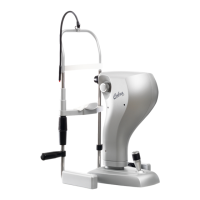
Push the activation switch of the power supply on ON.
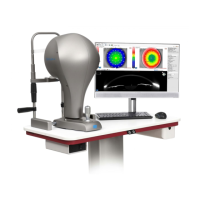
Launch the application software Phoenix.
Wait until the main screen of the application software is
shown.
Read the instructions for use before using the application software.
The instruction manual can also be downloaded from
the website
www.csoitalia.it_ or you can read the application software guide.
Click on NEW PATIENT and enter his personal data. If the
patient is already present in the database, you can
automatically search the surname in the surname command
A new examination will be created automatically.
Select the device to use.
The image capture screen will open. Now it will be possible to
capture the image.
Creation of a new exam
- Click on the button NEW EXAMINATION.
- Select the tool to be used.
- The image capture screen will open. Now it will be possible to
capture the image.


 To Next Page