MS-39 AS-OCT| IFU302EN00 - 03/2019
INSTRUCTIONS FOR USE
This document is the property of
CSO Costruzione Strumenti Oftalmici srl.
Any reproduction, even partial, it is prohibited.
45/52
4.8 HOW TO TURN OFF THE DEVICE
CAUTION
Do not turn off the computer and do not disconnect the connection
cable between the
computer and the device when the program is in
use.
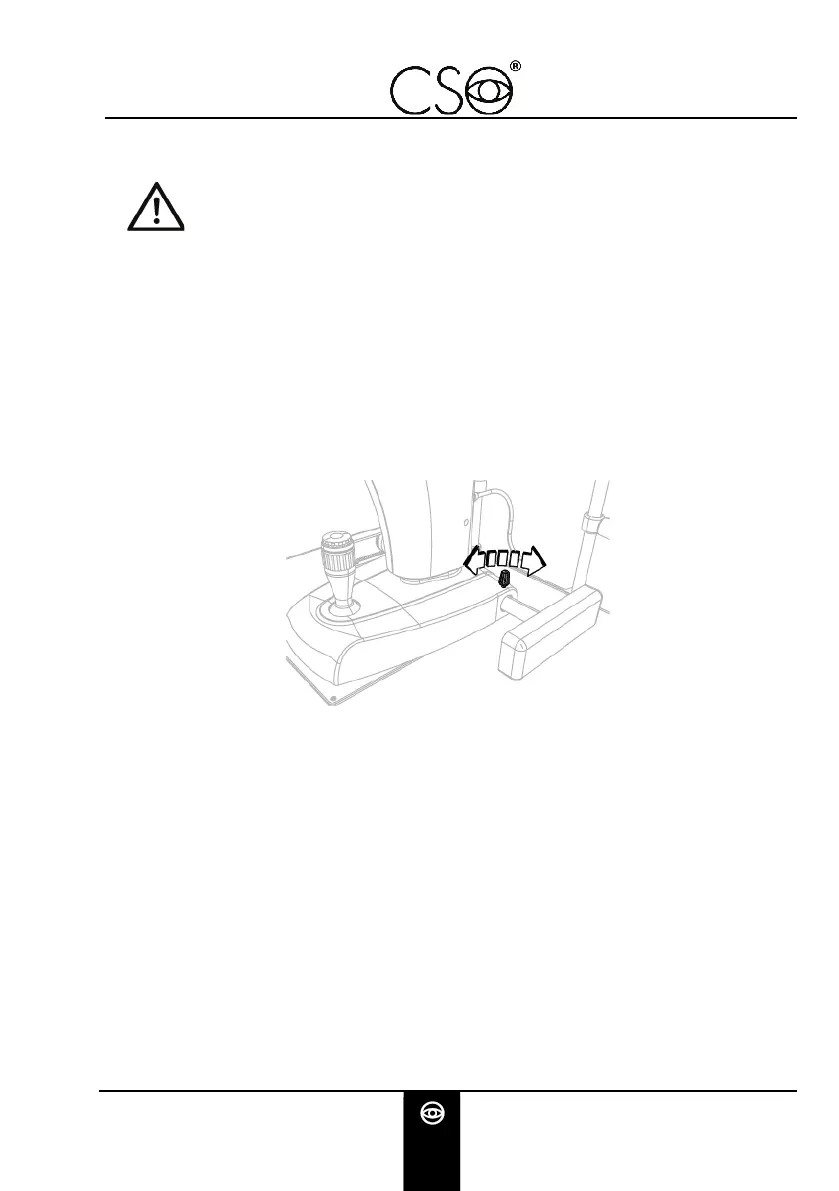
Immobilize the device. Turn the locking knob.
Launch the application software Phoenix. Turn off the
computer
Push the activation switch of the power supply on OFF.
Place the protective cover on the device to prevent dust to fall
on the device.
Fig 27 - Device blocking


 To Next Page