6 Scan2CRM for Act! User Guide, version 3.5
3. USING SCAN2CRM FOR ACT!
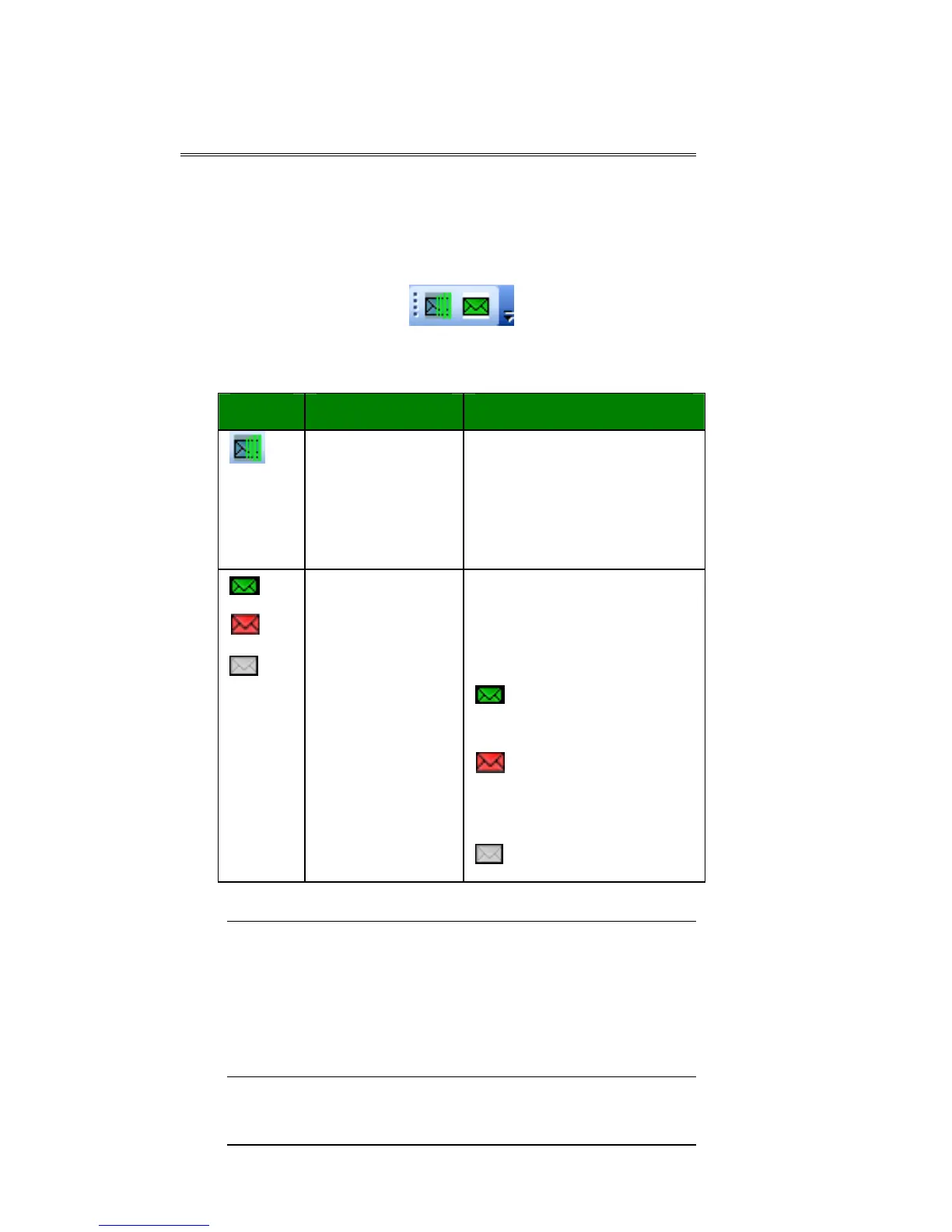
Scan2CRM for Act! adds a small toolbar to
Act, which is loaded at Act's startup.
Scan2CRM for Act! Toolbar in Act
Note: If Scan2CRM for Act! is enabled, the
application will detect the scanner status
(connected/disconnected) automatically, and
switch the icon color accordingly. If the
application is disabled, no detection of scanner
status is performed.
Button Name Description
Scan2CRM
for Act!
Opens a Scan2CRM
for Act! window with
version information,
setup, and scanner
maintenance options
State The State buttons
indicate the current
state of the
application:
= Enabled,
scanner is connected
= Enabled,
scanner is
disconnected
= Disabled



 To Next Page