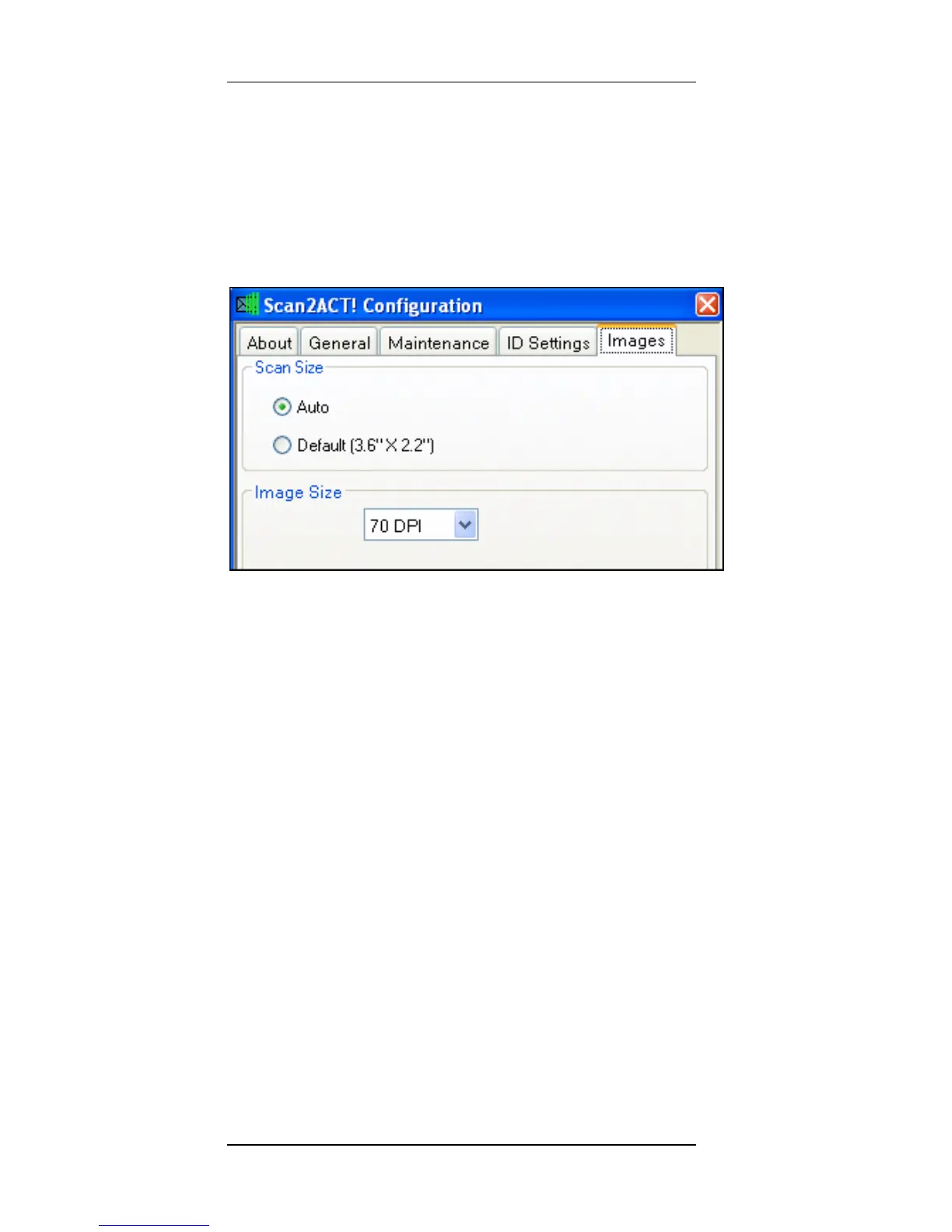
Configuration Scan2CRM for Act! Window
14 Scan2CRM for Act! User Guide, version 3.5
complete card or just the face image on the
card.
5.
Image tab – This tab allows you to
select and specify the scanned area
and image size.
Scan Size - Specify the scanned area size:
Auto – The scanner detects the card
size automatically.
Default – Save the image in a default
visit card size of 3.60X2.20 inch. This is
the best option for scanning dark color
cards.
Image Size - Specify the resolution of the
scanned image: Higher resolution results in
better image quality, and higher scanned
image file size.



 To Next Page