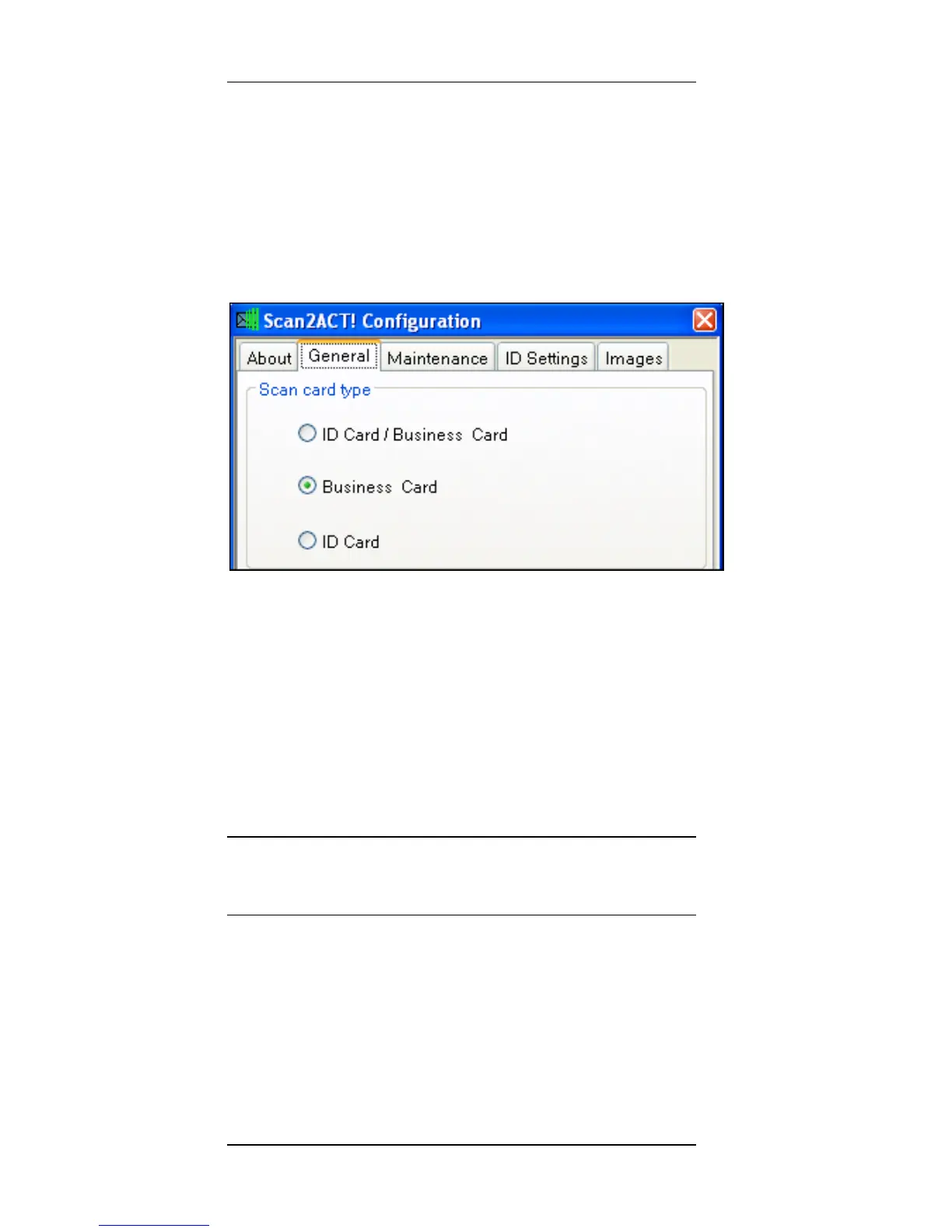
Configuration Scan2CRM for Act! Window
10 Scan2CRM for Act! User Guide, version 3.5
The Scan2CRM for Act! window has five tabs:
1.
About tab – Displays version
information.
2.
General tab- allows you to select the
type of scanned card:
ID Card/Business Card – the program will
attempt to detect the card type
automatically.
Business card – for scanning business
cards.
ID card – for scanning ID cards and
American driving licenses.
Note: the grayed-out options (ID card/Business
card and ID card) are not available with
ScanShell 800N scanner.



 To Next Page