Appendix B: Adding an Image field to the Act!
contact layout
18 Scan2CRM for Act! User Guide, version 3.5
6. APPENDIX B: ADDING AN IMAGE FIELD
TO THE ACT! CONTACT LAYOUT
By default, Act! Databases do not include an
image field as part of the Contact layout. You
can add an image field to the contact layout as
follows:
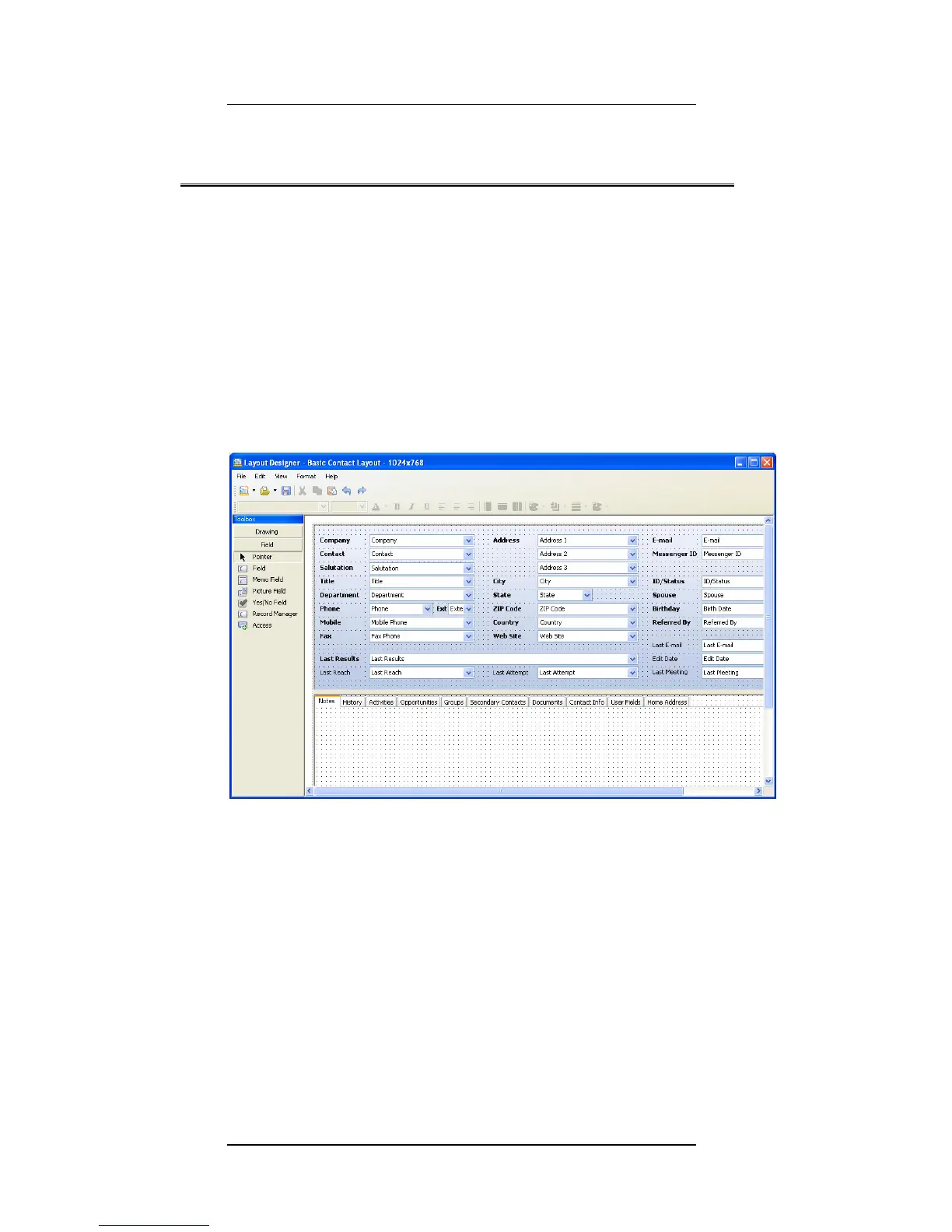
1. From Act!'s Tools menu, select Design
Layouts->Contact. The following screen
opens:
2. Select the address tab in which you want
the image to appear. In this example we
selected the Home address tab (you can
choose any other section).



 To Next Page